 createbooth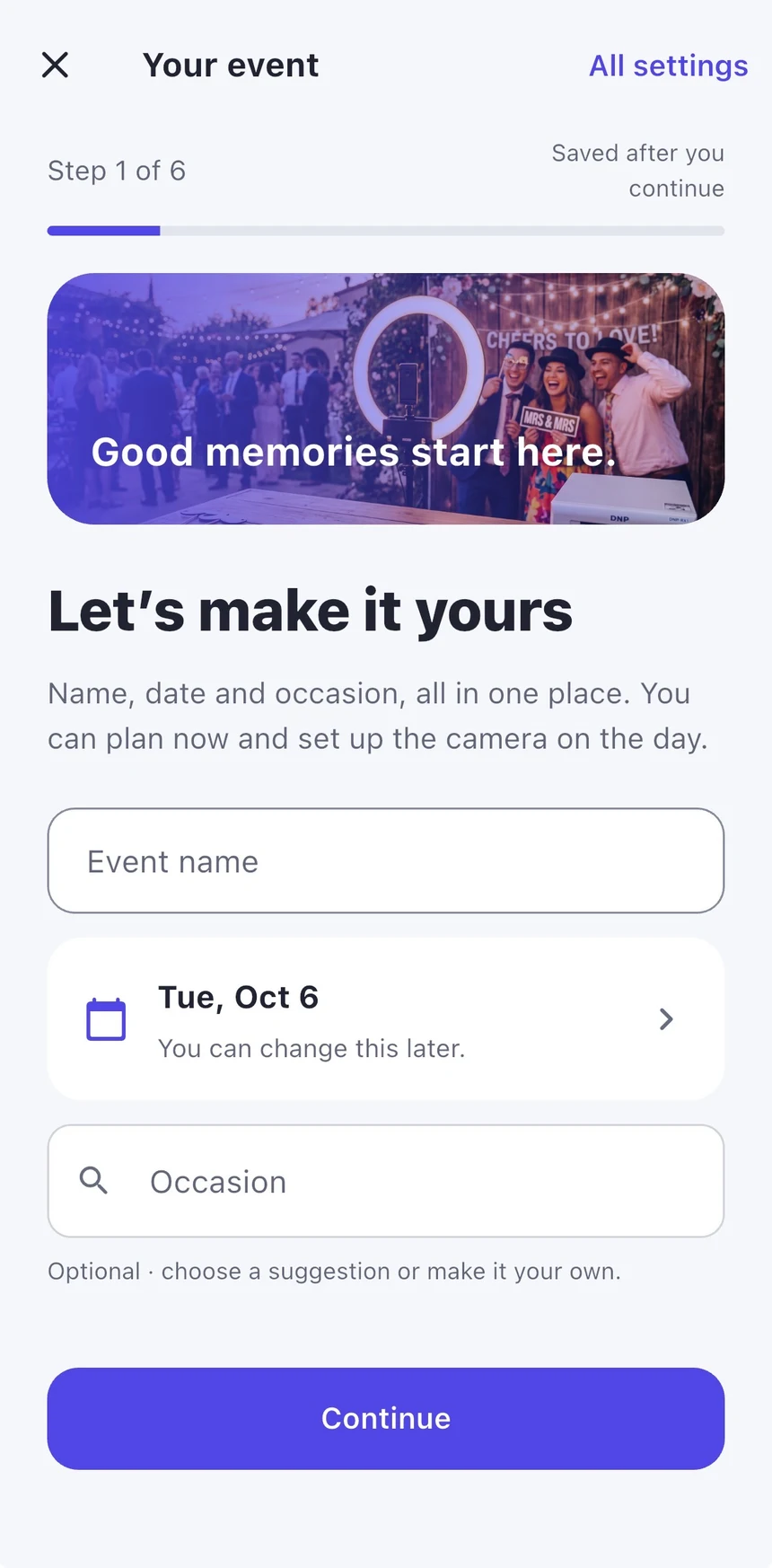
Set up your first photo booth
From an empty corner to your first happy guests. Start simply, then make it yours.
Read the guide →Friendly guides for your first setup, your finishing touches, and everything worth keeping afterwards.
Start with one device, a little light and a test photo.
22 guides
Try a shorter phrase, such as camera, gallery or password.
From an empty corner to your first happy guests. Start simply, then make it yours.
Read the guide →Decide what guests see, whether photos appear live, and how to pause safely.
Read the guide →Choose a layout, personalise the title and arrange decorative details without covering faces.
Read the guide →Bring your event or brand into the picture with an image from Photos.
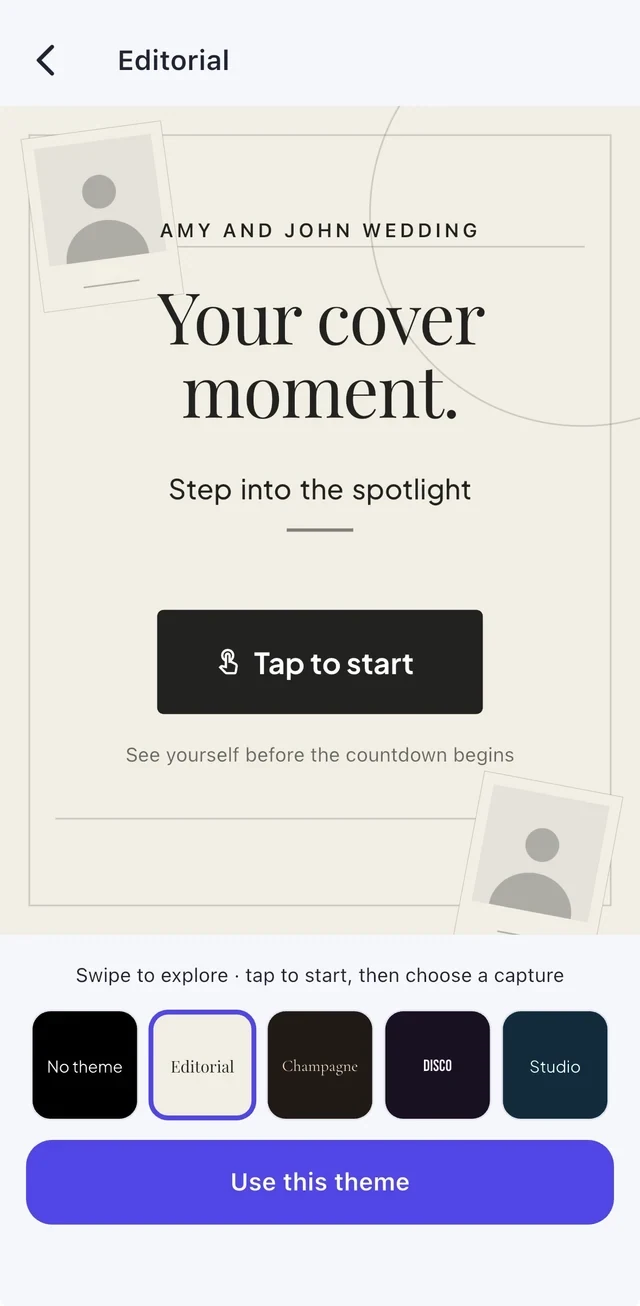
Read the guide →Make the screen and the finished photos suit the occasion.
Read the guide →Build a power setup you can trust before the first guest arrives.
Read the guide →Use a booth PIN for host controls and Guided Access to keep the device in CreateBooth.
Read the guide →Choose between camera control over USB and a live feed through a capture card.
Read the guide →Understand the data path and power path before buying a hub.
Read the guide →Choose a model-approved power method and test it with your booth connection.
Read the guide →Write, test and save a look that guests can choose at your event.
Read the guide →Credits pay for AI generations. They are separate from event access and gallery hosting.
Read the guide →Let guests choose a style, review their photo and decide when to transform it.
Read the guide →Choose the access that suits your event, without mixing it up with AI credits.
Read the guide →Choose the photos, design the page and share a link when you are ready.
Read the guide →Give guests a private place for words, signed photos, voice notes and video.
Read the guide →Make your own copy of the memories before hosting ends.
Read the guide →Give guests a keepsake that looks as good on paper as on screen.
Read the guide →A few small changes can make a phone or iPad booth much more flattering.
Read the guide →Know the difference between a file on your device and a photo ready to share online.
Read the guide →Understand your device guest workspace and the optional move to an account.
Read the guide →Choose QR, AirDrop or email and test the journey from the booth to a guest’s phone.
Read the guide →Tell us your device, app version and the step you reached.