 createbooth
The same device and its retained guest credentials.
Return to the same workspace
Continue as guest reopens the stored guest workspace where its device credentials remain available. It is not a guaranteed Apple-ID-wide backup and should not be treated as a way to recover data after losing every credential.
Create an account when it helps
An account can make supported account content accessible on other devices and make it easier to recover access. Local-only captures and gallery hosting limits remain separate; an account does not make everything permanent.
Choose whether to merge
When offered during account creation or sign-in, review the guest merge option. You can keep the guest workspace separate if you prefer. Use the later merge action in account settings if you change your mind.
Review the scan before confirming
The merge flow looks for eligible credits, passes, gallery extensions, events and saved creations. Check what it found, then confirm. Do not interrupt it or start another merge while it is running.
Verify the result
Check the destination account’s balances and events. Completed grants are not supposed to be offered again on a second merge. If anything looks missing, contact support from the affected workspace rather than repurchasing or deleting it.
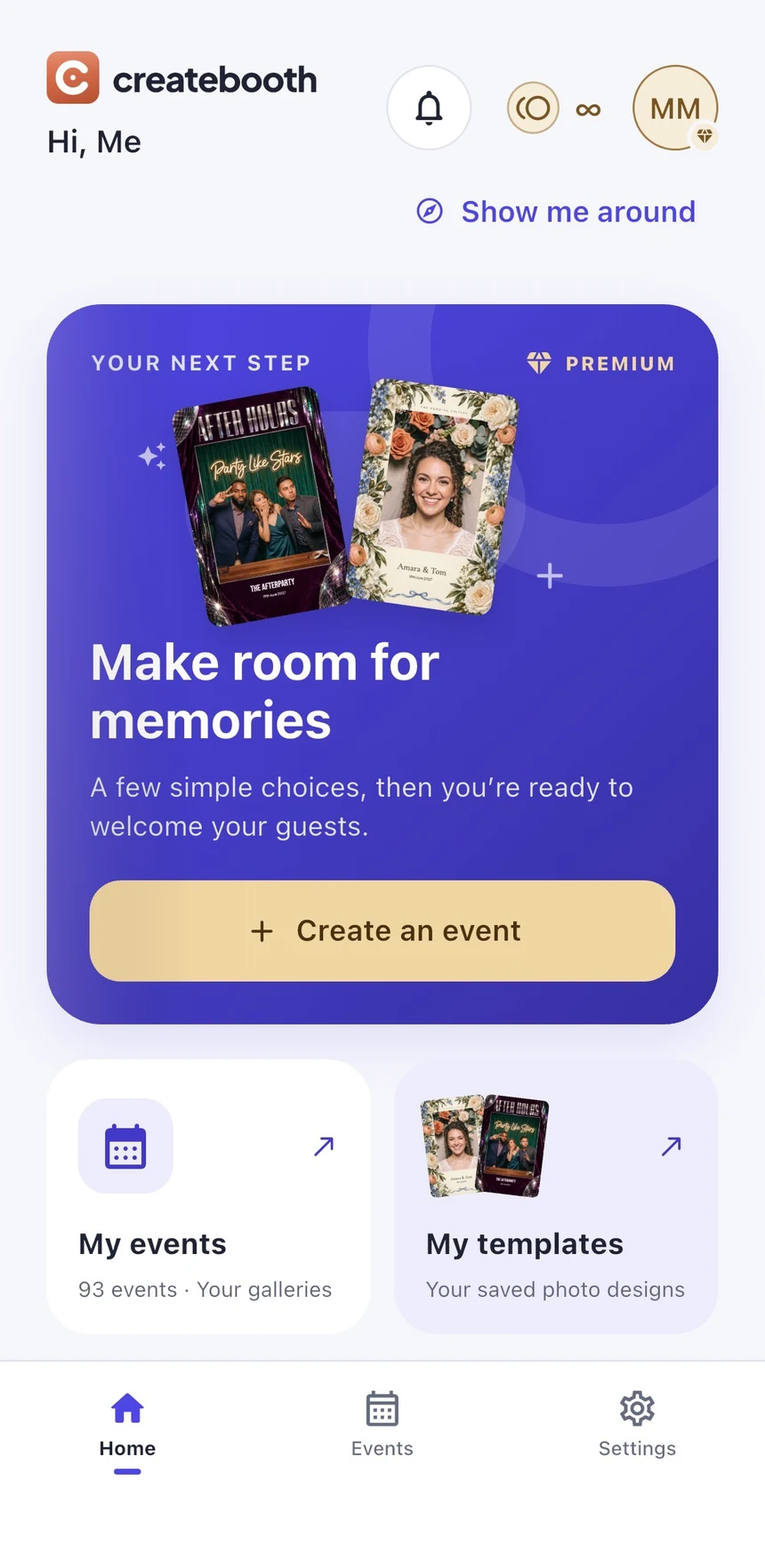
Real app screens with numbered highlights. Tap Enlarge to inspect a screen. Example content; labels can vary by app version.
Helpful to know.
Need support without registering?
Use in-app Help & Support from the guest workspace so the report can identify it. Never share a PIN, password or sign-in code with support.