 createbooth
Choose the model and the mood
Pick GPT Image 2.6 or Nano Banana 2, then select up to three looks for your event. Use a curated style or test a custom prompt before saving it to your library.
An AI photo booth turns each guest’s photo into a new piece of art moments after it’s taken. AI Booth runs on the iPhone or iPad you already have: guests take a photo, review it, then choose from 17 looks, from film noir and pop art to festive elves.
Free to download. Premium features require paid access.
AI generation uses separate credits and requires internet.

 17 looks and counting · see them all ↓
Pick GPT Image 2.6 or Nano Banana 2, then select up to three looks for your event. Use a curated style or test a custom prompt before saving it to your library.
Guests can retake their original photo before committing to an AI generation. AI needs an internet connection and uses credits when an image succeeds.
Guests can scan their individual QR link to view the original and AI result. If processing takes longer, they can leave the booth and check that link on their own phone.
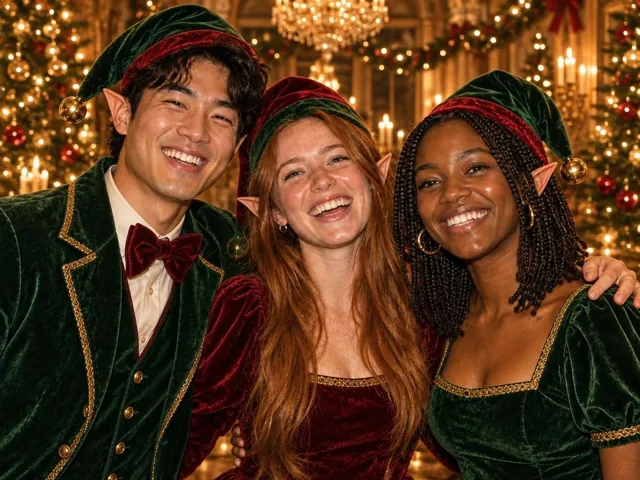
Guests take a normal photo, check they like it, then pick a look. AI Booth keeps everyone in the frame and dresses the scene around them, from festive elves to film noir.
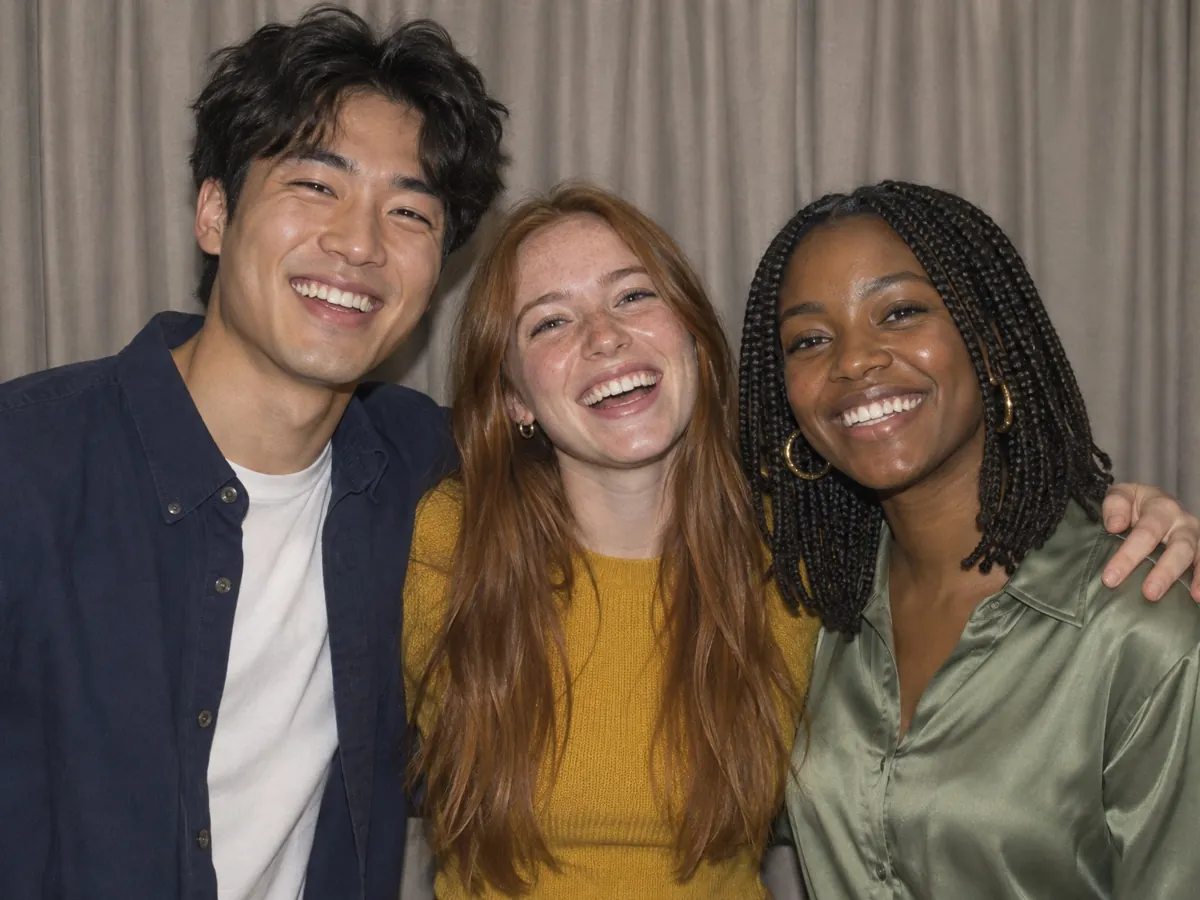
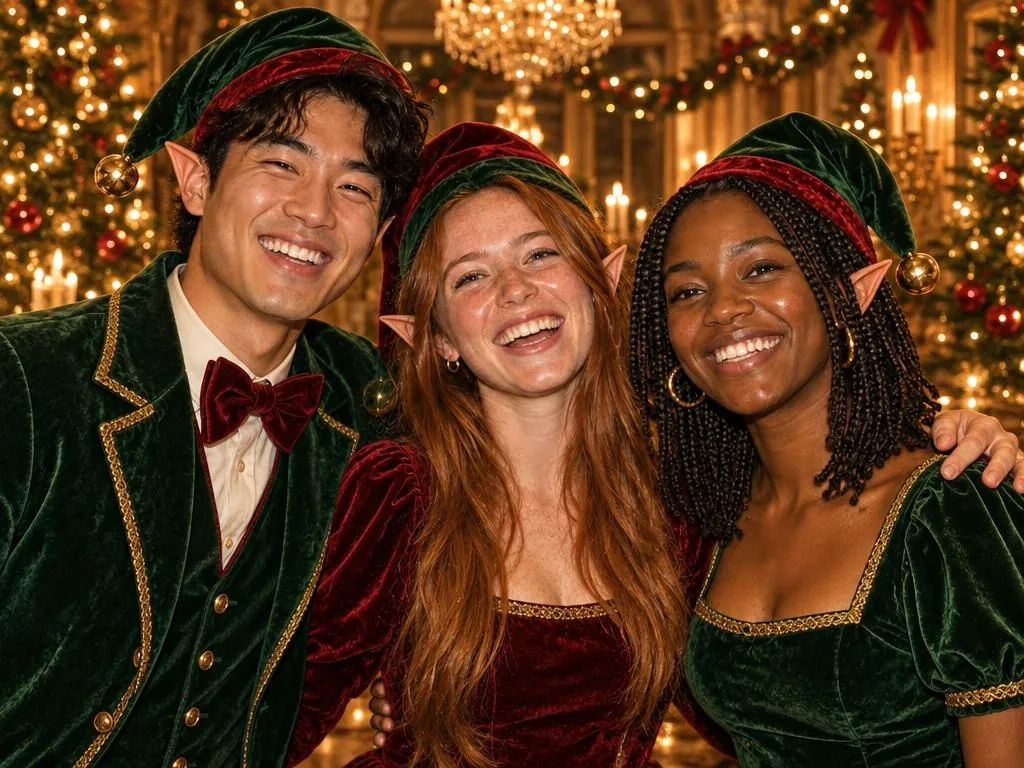 OriginalSanta’s little helpers
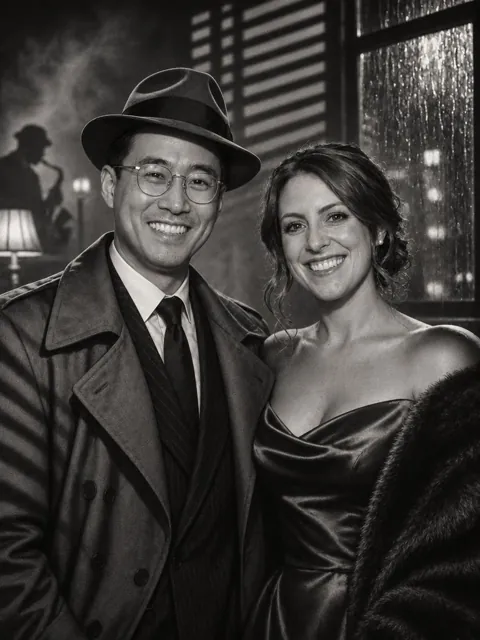
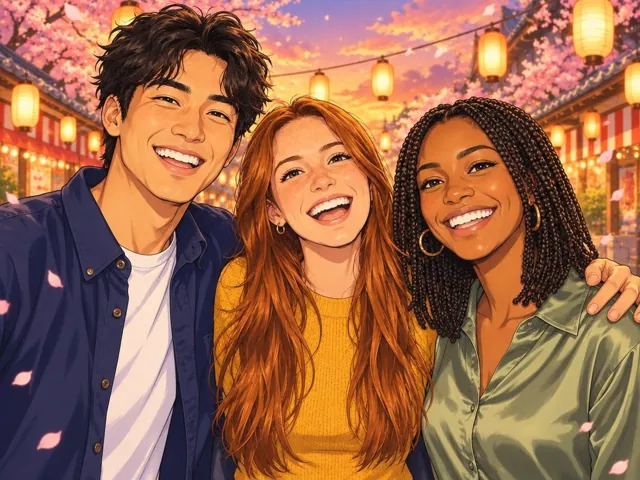
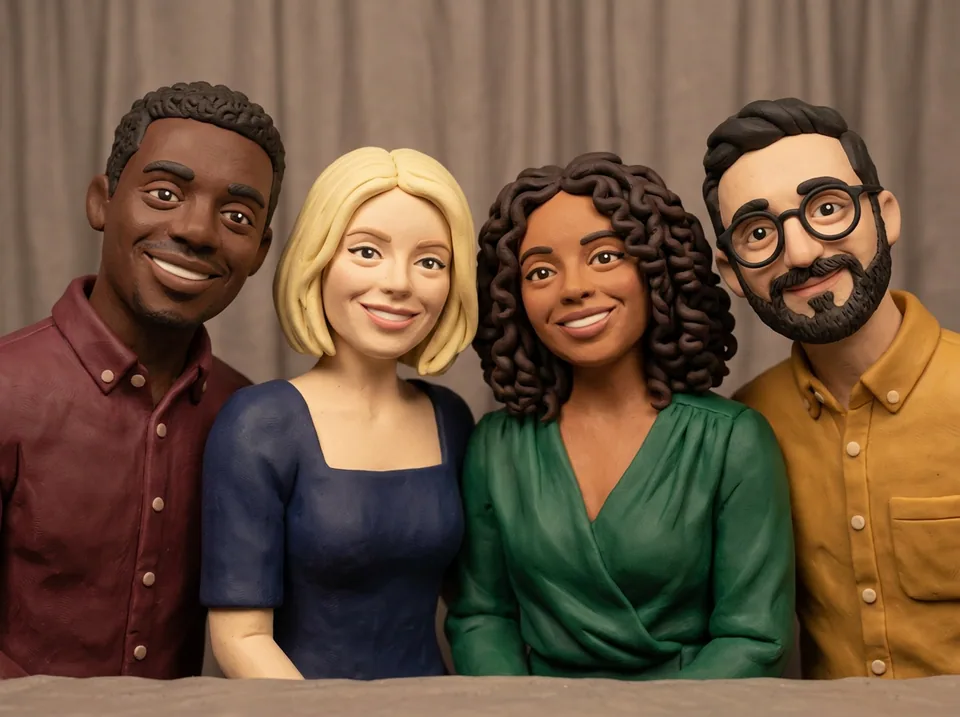
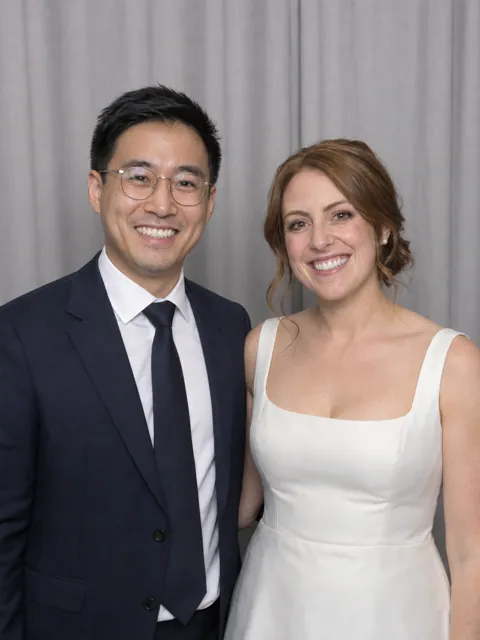
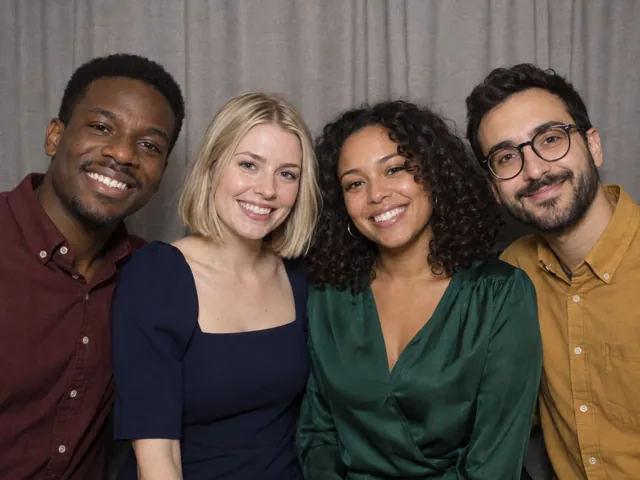
Every example below started as an ordinary booth photo of fictional guests. Switch models to compare results, or tap See original to see the photo it came from. Pick up to three for your event, or write your own.
 Christmas
Velvet elf outfits, pointed ears and a glowing Christmas ballroom.
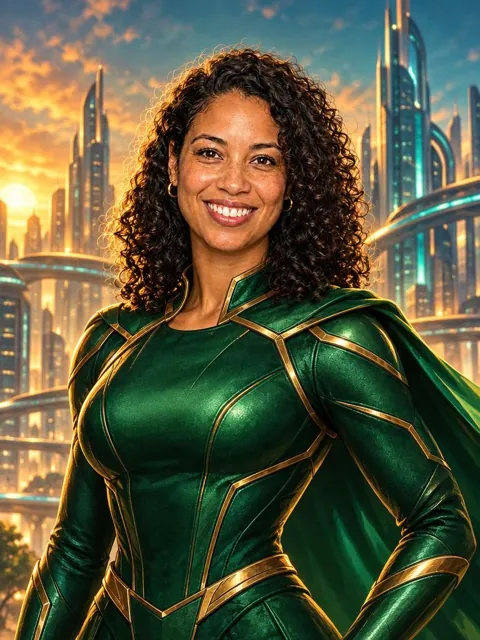
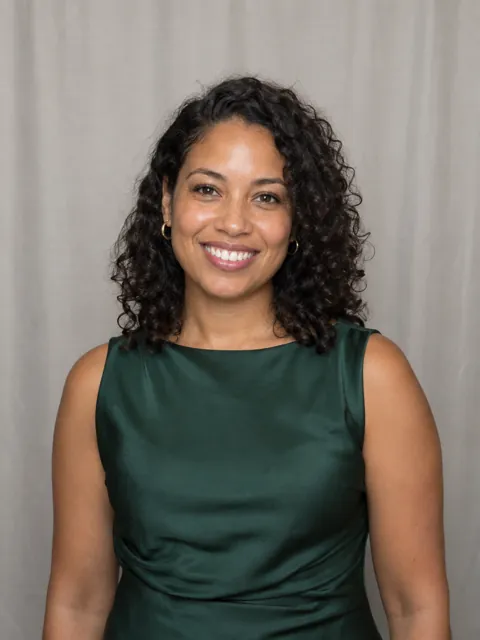
Emerald armour, a flowing cape and a futuristic skyline.
 New
1940s black-and-white glamour with venetian-blind shadows.
 New
Bold outlines, halftone dots and a primary-colour starburst.
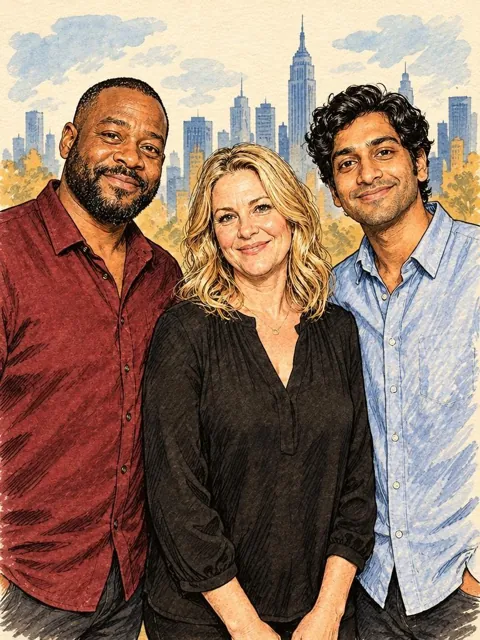
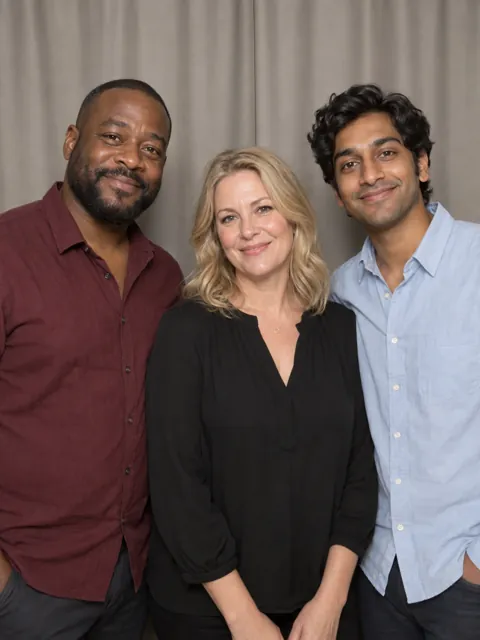
Expressive brush-pen illustration on warm ivory paper.
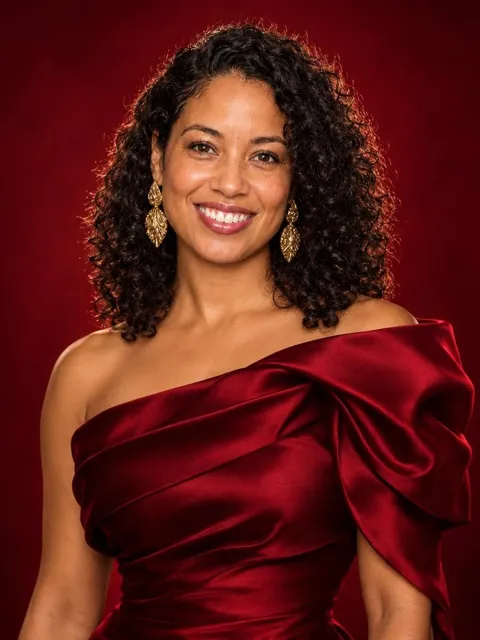 New
Couture evening wear and a jewel-toned studio cover shoot.
NewCel-shaded characters at a lantern-lit summer festival.
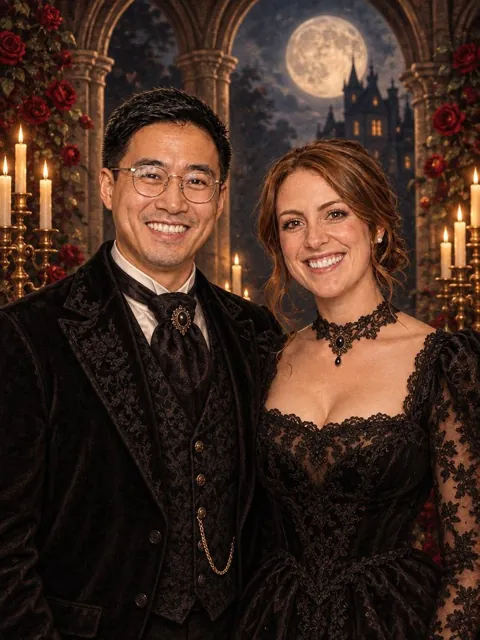
Velvet, lace and candlelit roses under a full moon.
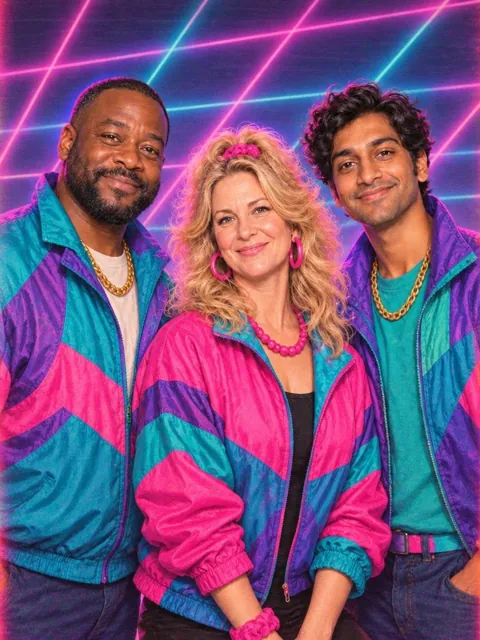 New
Neon windbreakers, big hair and a laser-grid backdrop.
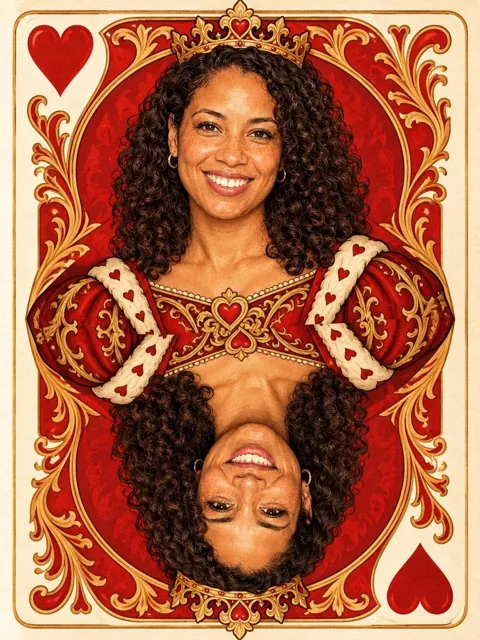
Your guest as royalty on an ornate playing card.
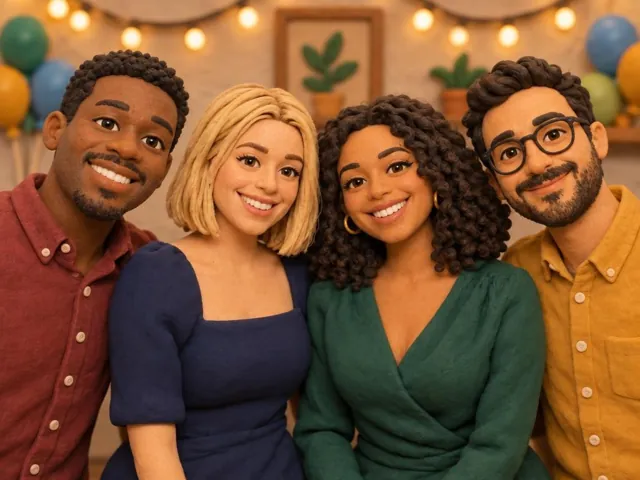
Handmade stop-motion characters on a miniature clay set.
 New
An art deco ballroom, flapper dresses and champagne.

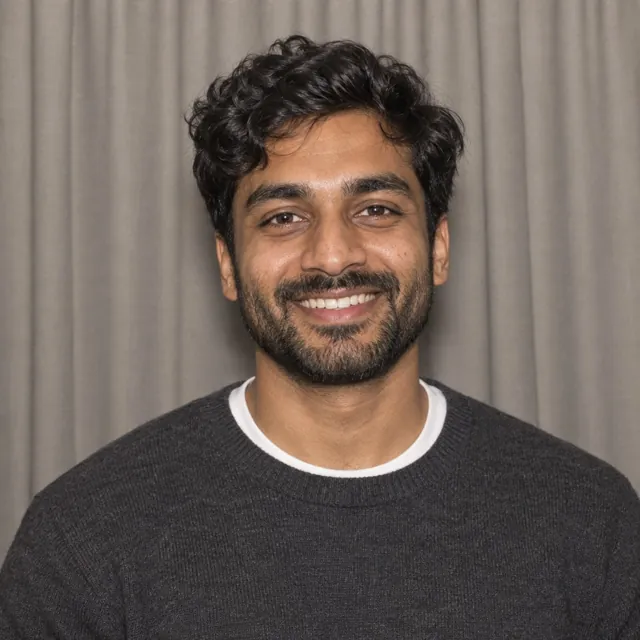 New
Original action-game cover art with a sunset skyline.
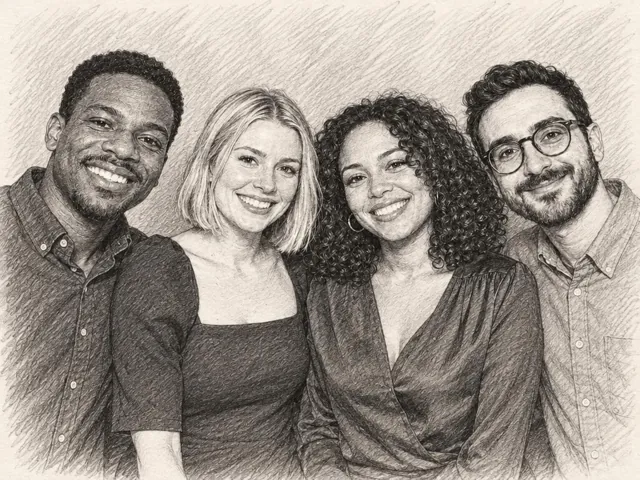
A carefully observed graphite drawing on warm paper.
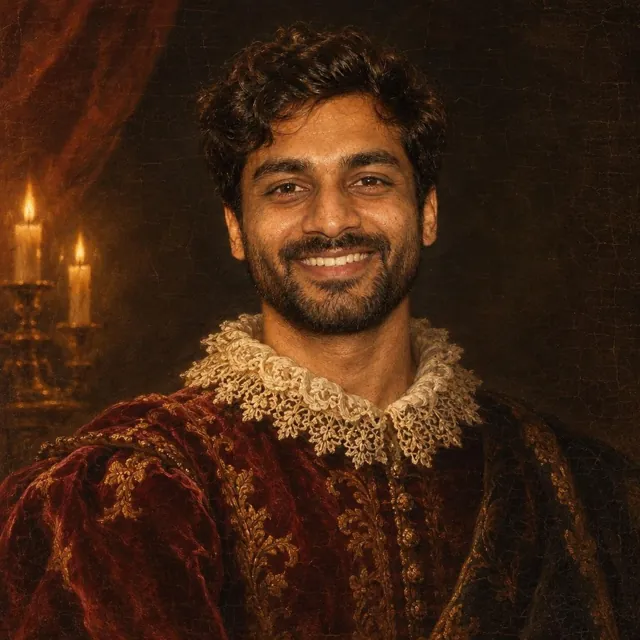 New
An old-master oil portrait in candlelight and brocade.
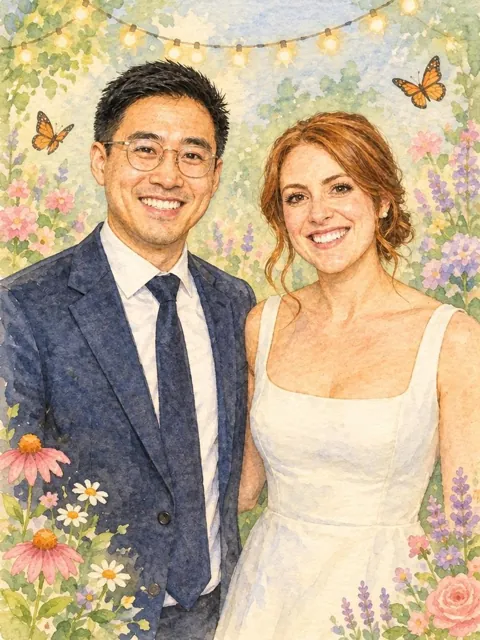 New
Soft storybook watercolour in a garden of fairy lights.
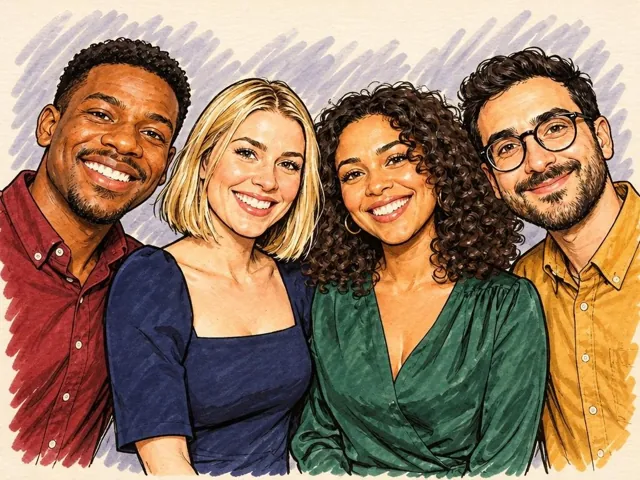
A friendly live-event caricature in brush pen and ink.
Examples use fictional people. Results vary with the photo, lighting and group size, and AI can change facial details. Test a look on your own photo in Prompt Studio before the event.
Prompt Studio tests any look, or your own idea, before guests ever see it.
Get the app ↗Choose a preset or describe the clothing, setting and artistic treatment you want. Keep the prompt clear and avoid conflicting instructions.
Test against a sample image or your own photo. Tests use credits and count towards the daily test limit; the app shows the cost before you proceed.
Choose image or credit limits before the event. When AI is unavailable or the allowance runs out, guests can use the other capture types you have enabled.
Premium includes 30 AI credits each paid month, with unused included credits rolling over. Additional packs are purchased separately. AI feature access requires Premium or an Event Pass.
A successful GPT guest image uses 2 credits; Nano Banana 2 uses 3. Prompt tests use 1 credit for GPT or 2 for Nano Banana 2. The app shows the applicable cost before a test. Failed generations release their reserved credits.
AI can change facial details and results vary with the photo, group and prompt. Review sample outputs and test your own idea before the event. These are creative transformations, not guaranteed reproductions.
AI processing is optional. With permission, the photo and prompt are sent through fal.ai to the selected model provider. Read the AI processing section of our privacy policy before submitting images.
See our privacy policy and purchase and service terms.