 createbooth
Internet and access to your current CreateBooth workspace.
Check your balance
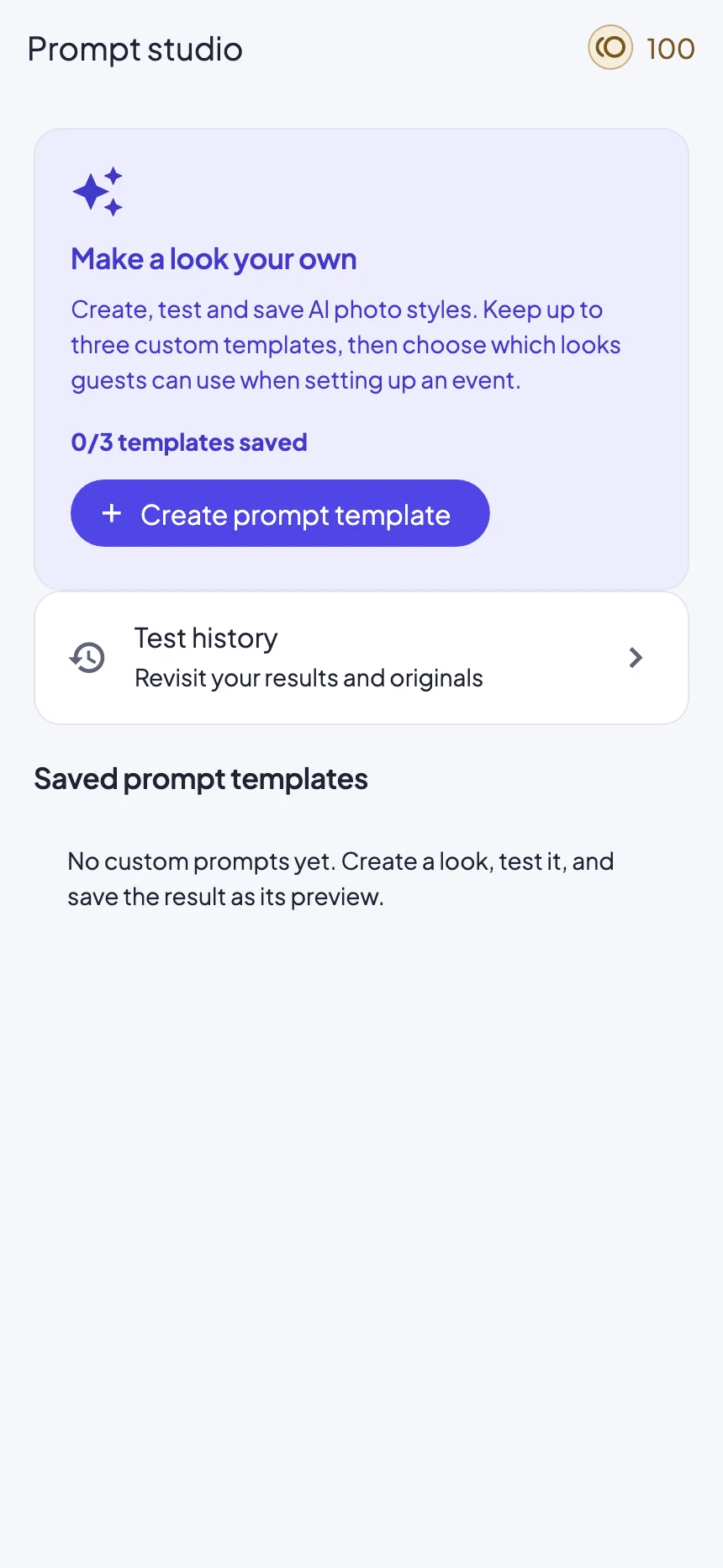
Tap the credit balance at the top of the dashboard or Prompt Studio. Check which CreateBooth workspace is active before buying, especially if you switch between a guest workspace and a registered account.
Check the cost of the look
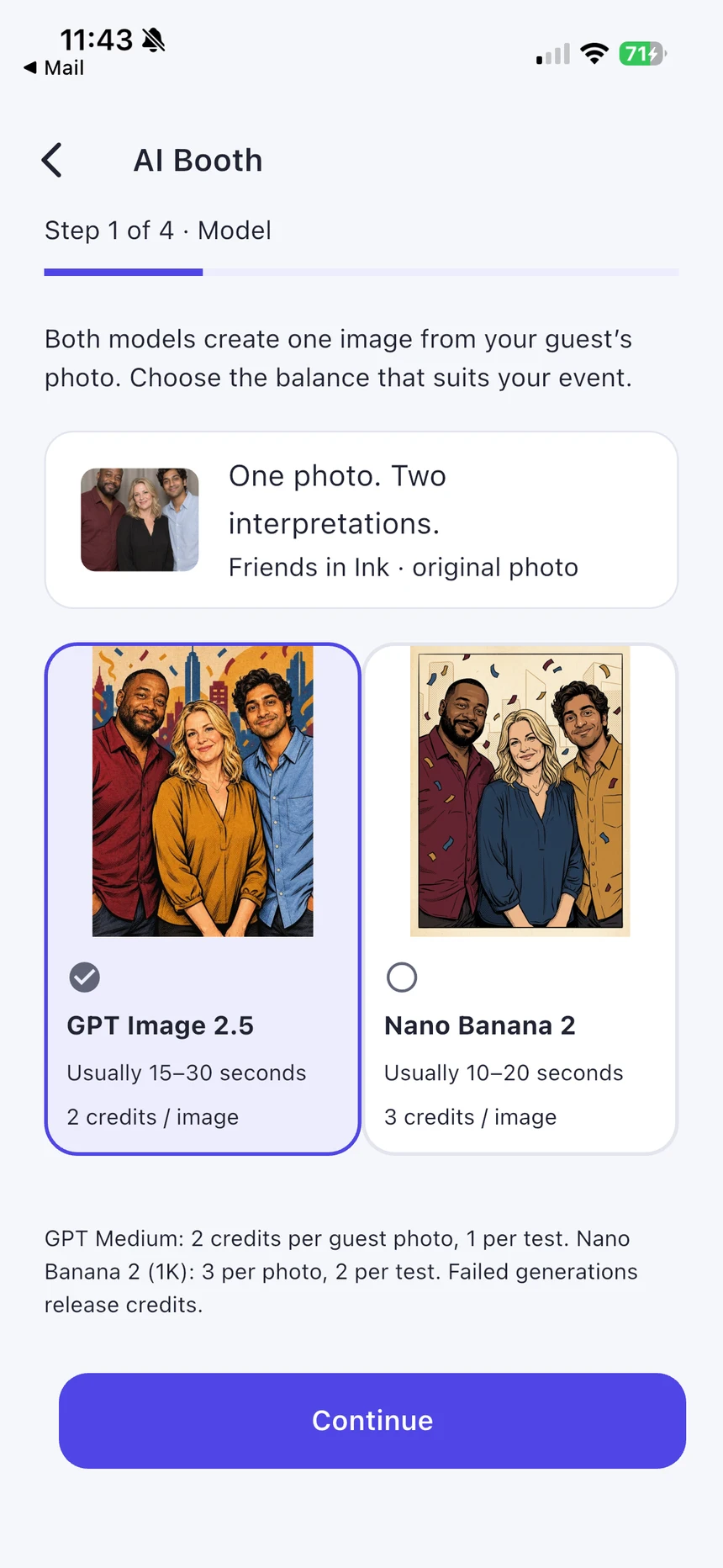
The selected model and test quality determine the cost shown in the app. Work out your likely number of AI results, then leave some room for deliberate extra tests. Retaking the original photo before submission does not itself generate an AI result.
Buy a suitable pack
Open AI credits, select an available pack and review the App Store price and pack size before confirming. The store displays local pricing. If products are unavailable, check connectivity and try again rather than repeatedly purchasing.
Wait for the confirmed balance
After purchase, check the updated account balance. If Apple reports success but credits have not arrived, allow reconciliation to finish and reopen the balance. Contact support with the receipt or transaction reference if it remains unresolved.
Use credits consciously
Confirm an AI generation only when the guest is happy with the original. Failed jobs are reconciled by the service; a processing delay is not a reason to submit the same job repeatedly. Check its status first.
Real app screens with numbered highlights. Tap Enlarge to inspect a screen. Example content; labels can vary by app version.
Helpful to know.
Credits do not unlock everything
AI credits pay for generation and can be used in a free event within its capture limit. They do not unlock other Premium event features, extend a gallery or create a subscription.
Buying as a guest
Guest purchases belong to that guest workspace. An optional account and merge help retain access across devices. Device-only files still need their own copy; do not delete the app to troubleshoot a balance.