 createbooth
Internet, available AI credits and a photo you have permission to process.
Create a prompt template
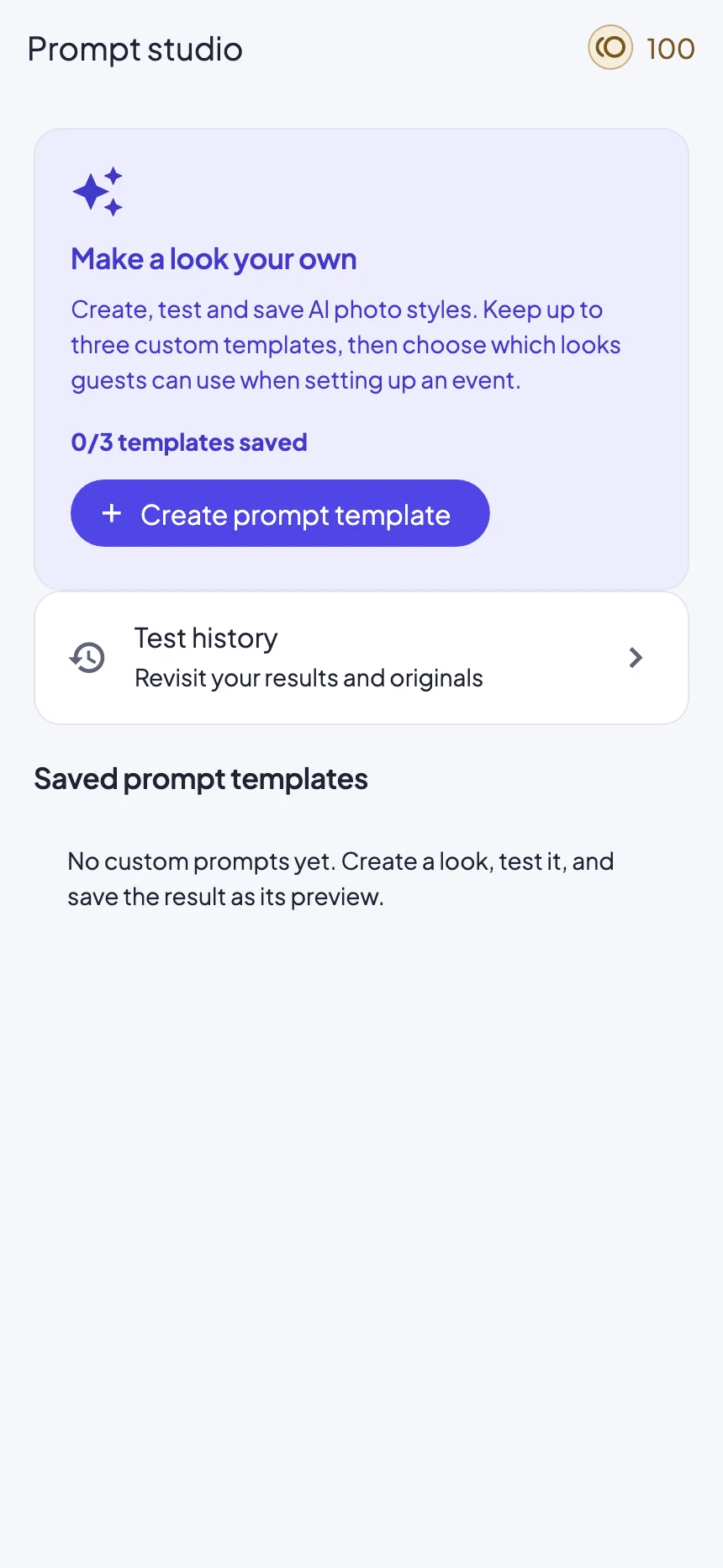
On the dashboard, open AI transformation studio and tap Explore the studio. In Prompt studio, tap Create prompt template. The current personal library holds up to three custom templates.
Choose a model and write a look
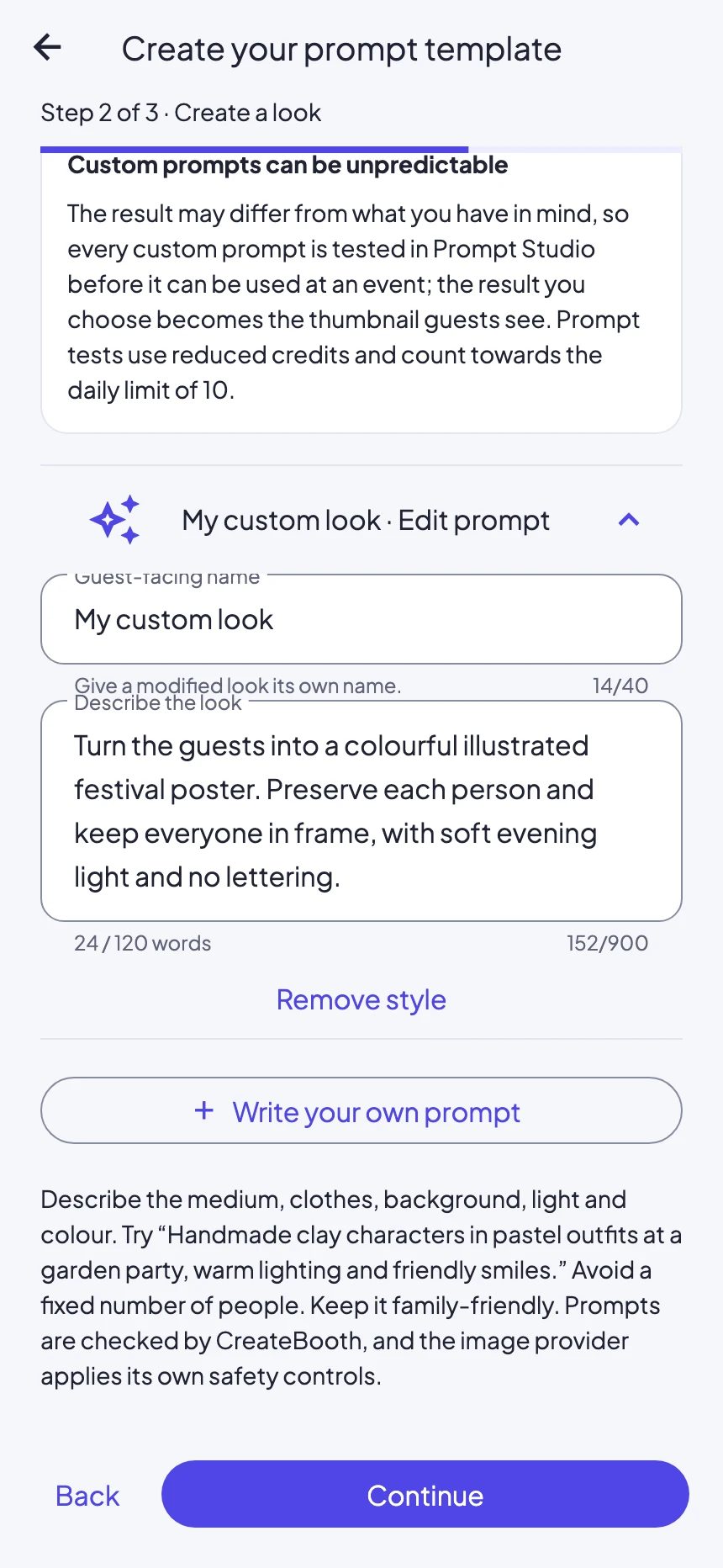
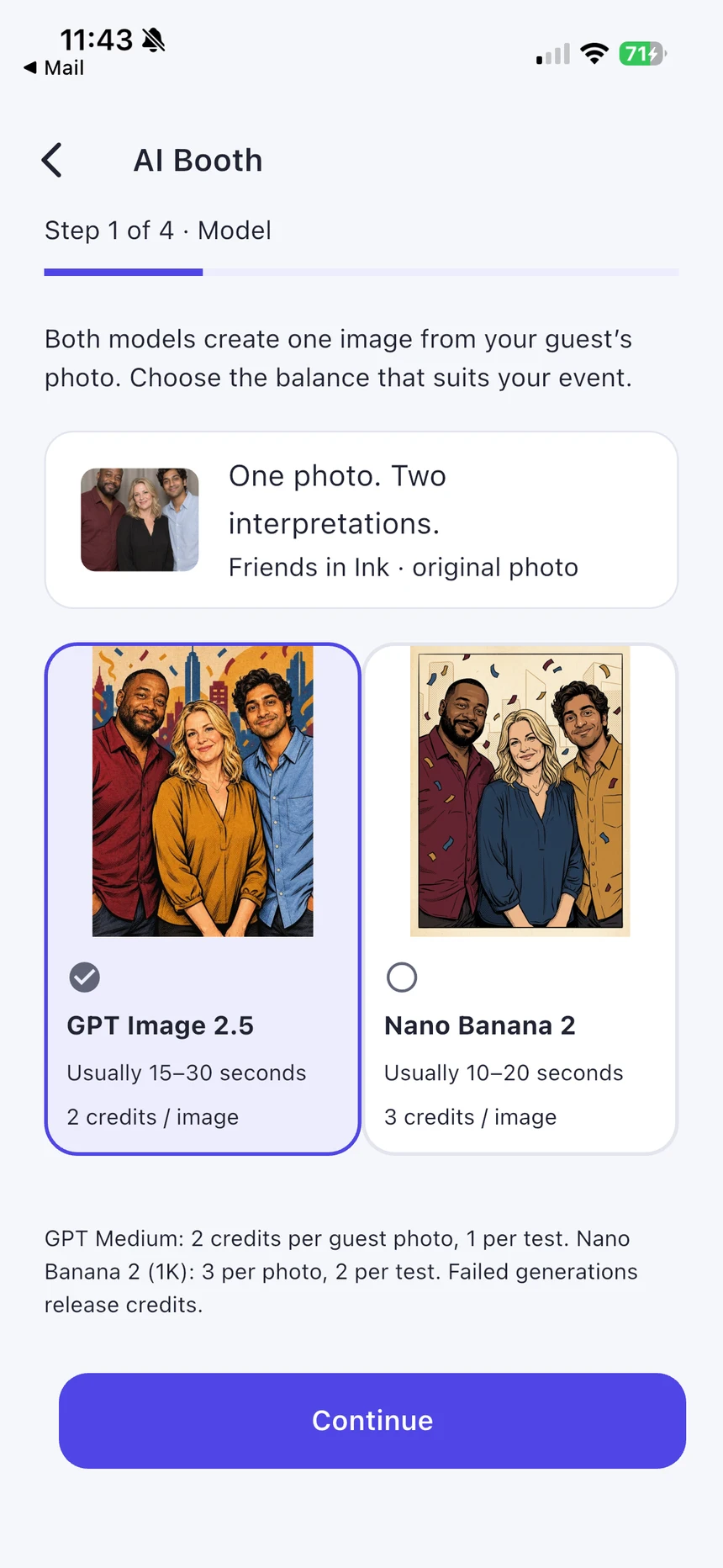
Select the available model. Start with a CreateBooth look or tap Write your own prompt. Give it a recognisable name and describe the style, setting, clothing and lighting. Keep within the word limit shown in the editor.
Keep people recognisable
Try: “Turn the guests into a colourful illustrated festival poster. Preserve each person’s face, age and skin tone. Keep everyone in frame, with natural expressions, soft evening light and no lettering.” Test groups as well as single portraits if your event will use both.
Test deliberately
Use the test step and choose a sample, camera photo or image from Photos. Review the processing disclosure and displayed credit cost before generating. Tests cost credits and may have daily limits. A changed custom prompt needs a successful test before event use.
Choose the result and save
Inspect faces, hands, group count and framing. Choose Use this result to make it the guest preview, then save the template with a clear name. In event AI setup, select the saved prompt from Custom prompts. Saving a studio look does not automatically add it to every event.
Real app screens with numbered highlights. Tap Enlarge to inspect a screen. Example content; labels can vary by app version.
Helpful to know.
When a result misses the mark
Change one instruction at a time and test again. AI results vary; avoid promising that every guest will receive an identical composition.
Test costs and event costs can differ
Use the price shown at each confirmation. Purchased credits and Premium event access are separate.