 createbooth
The current in-app offer and your Apple purchase account.
Start with what is free
Free events allow 20 completed captures and include a watermark. Premium badges identify features that require eligible access. Review what is included in the offer before buying.
Choose recurring or occasional access
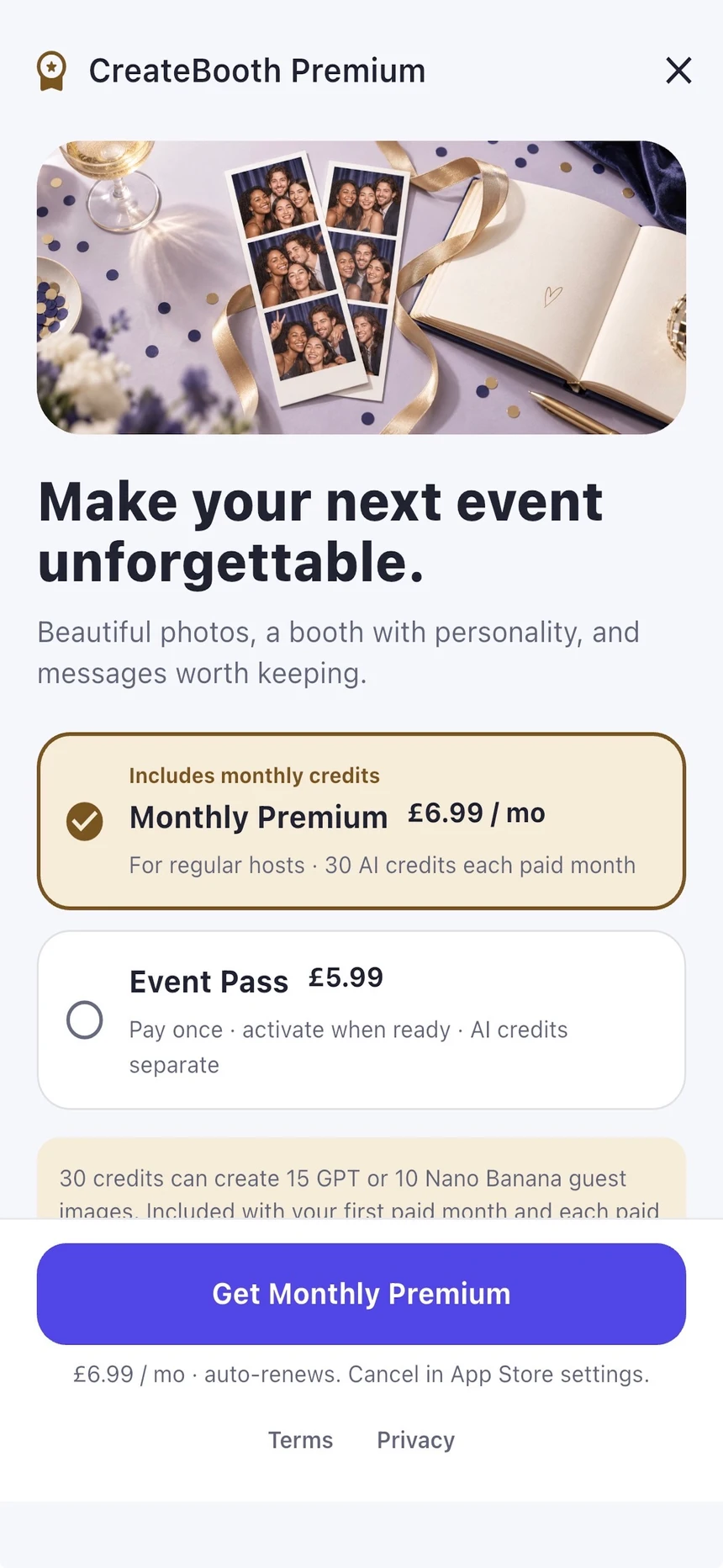
Monthly Premium renews automatically through Apple unless cancelled. A purchased Event Pass is a one-off product you activate when ready; the current activation window is 72 hours. Check the confirmation before activating. Eligible events keep their Premium status, while hosting and retention remain separately limited.
Keep AI credits separate
AI generation uses credits. A subscription offer may include credits only where explicitly stated. Do not assume a pass or subscription means unlimited AI; use the displayed balance and generation cost.
Understand gallery extensions
A gallery extension adds hosting time to the selected eligible gallery. It does not buy a new event, add AI credits or turn media into permanent storage. Check the event’s actual live-until date after purchase.
Manage or troubleshoot a purchase
For subscription management, open iOS Settings → your name → Subscriptions. Use the app’s Restore Purchases option for eligible subscription access. Consumable credits and passes rely on the correct workspace and purchase delivery; contact support about a missing grant instead of buying twice.
Real app screens with numbered highlights. Tap Enlarge to inspect a screen. Example content; labels can vary by app version.
Helpful to know.
Prices come from Apple
Use the current App Store confirmation for price, currency, renewal and included benefits. Screenshot examples are not a current price list.
Already a Premium member?
You may not need to activate a saved pass. Read the app’s access status first. Guest pass and credit purchases do not require registration; monthly Premium follows the account flow shown in the app.
Official instructions
Check the guide for your exact device and software version.
Apple: cancel a subscription ↗Apple: request a refund ↗