 createbooth
Your camera manual, compatible batteries and an approved continuous-power option if required.
Check power while shooting, not just charging
Look up the exact model and battery combination. Some cameras charge only when switched off; others accept power while shooting but can still slowly drain the battery. USB charging support alone is not enough.
Choose a supported method
Use charged batteries, a manufacturer-approved DC coupler and supply, or supported USB power. Match the camera’s requirements. Many USB-powered cameras still need a battery installed.
Keep the data connection available
If USB is controlling the camera, confirm whether that same connection can also supply sufficient power. Otherwise use the camera’s separate approved power option. HDMI capture can leave USB available for power on some models, but check the manual.
Test the real event load
Use the live preview and take repeated captures for at least 30 minutes. Watch temperature and battery percentage. Verify any auto-power-off settings do not interrupt the connected booth.
Make changes between guests
Pause the booth before changing batteries or cables. Reconnect and take another test capture before resuming. Keep a charged spare and avoid leaving the camera in direct sun or a tightly enclosed hot box.
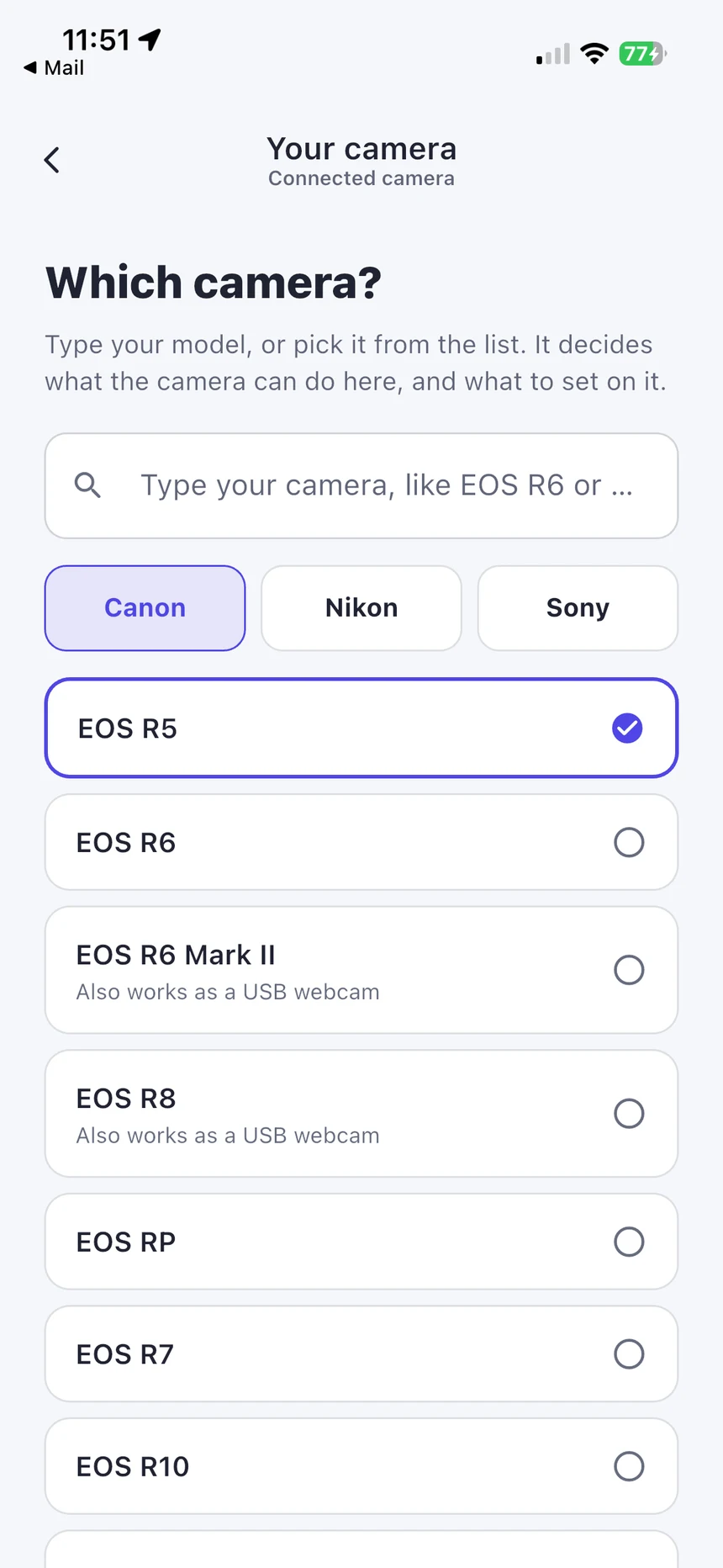
Real app screens with numbered highlights. Tap Enlarge to inspect a screen. Example content; labels can vary by app version.
Helpful to know.
A model-specific example
Canon’s EOS R6 manual distinguishes charging with the camera off from powering it while on, requires a battery, and warns that its level may still decline. This is an example, not a rule for every Canon or DSLR.
Official instructions
Check the guide for your exact device and software version.
Canon EOS R6: charging and external power ↗