 createbooth
Your device passcode and a booth PIN you can remember.
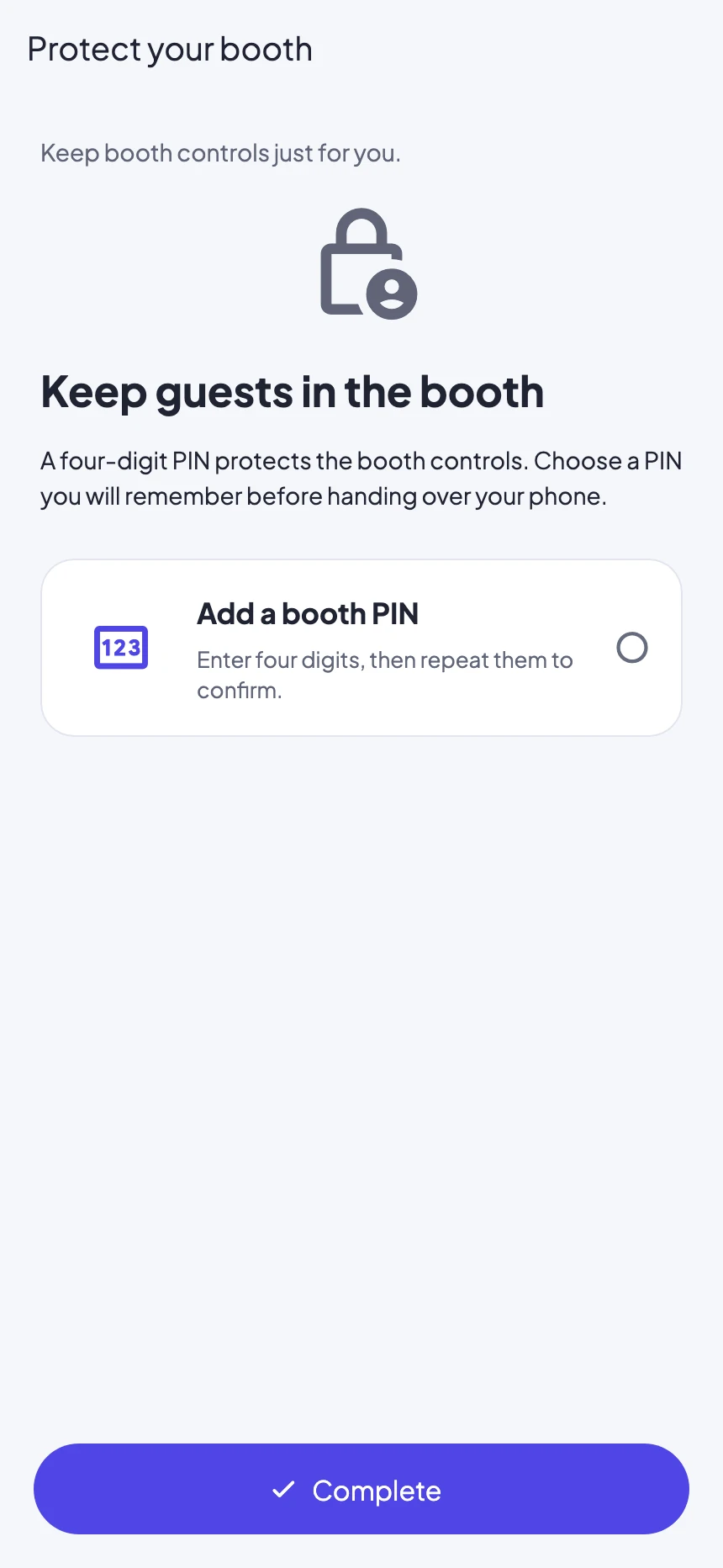
Protect the booth controls
In event settings, open Booth PIN and tap Add a booth PIN. Enter and confirm four digits. Test entering the admin controls before guests arrive. The alternate three-finger hold still uses PIN protection when configured.
Set up Apple Guided Access
In the device Settings, go to Accessibility → Guided Access. Turn it on and set its passcode options. This is an Apple setting, separate from the CreateBooth PIN.
Start it on the guest screen
Return to CreateBooth and open the guest booth. Triple-click the side, top or Home button appropriate to your device, choose Guided Access if a menu appears, then start the session.
Keep the guest controls usable
Leave touch enabled. Keep the software keyboard available if guests will enter an email address or a guestbook message. Check motion and screen-lock options against the orientation you need, then test the whole guest flow.
Practise ending the session
Use the device’s Guided Access shortcut, authenticate and choose End. Button-click behaviour can differ by OS version; Apple’s instructions below cover those differences. End Guided Access before switching to another app or device Settings.
Real app screens with numbered highlights. Tap Enlarge to inspect a screen. Example content; labels can vary by app version.
Helpful to know.
A PIN is not an app lock
CreateBooth’s PIN protects its admin controls. It cannot stop the operating system’s Home gesture by itself.
Keep another phone available
Apple notes that emergency services and Crash Detection are unavailable during Guided Access. End the session to use them.
Official instructions
Check the guide for your exact device and software version.
Apple: set up, start and end Guided Access ↗