 createbooth
An event draft; Premium access for locked options.
Choose the guest-facing style
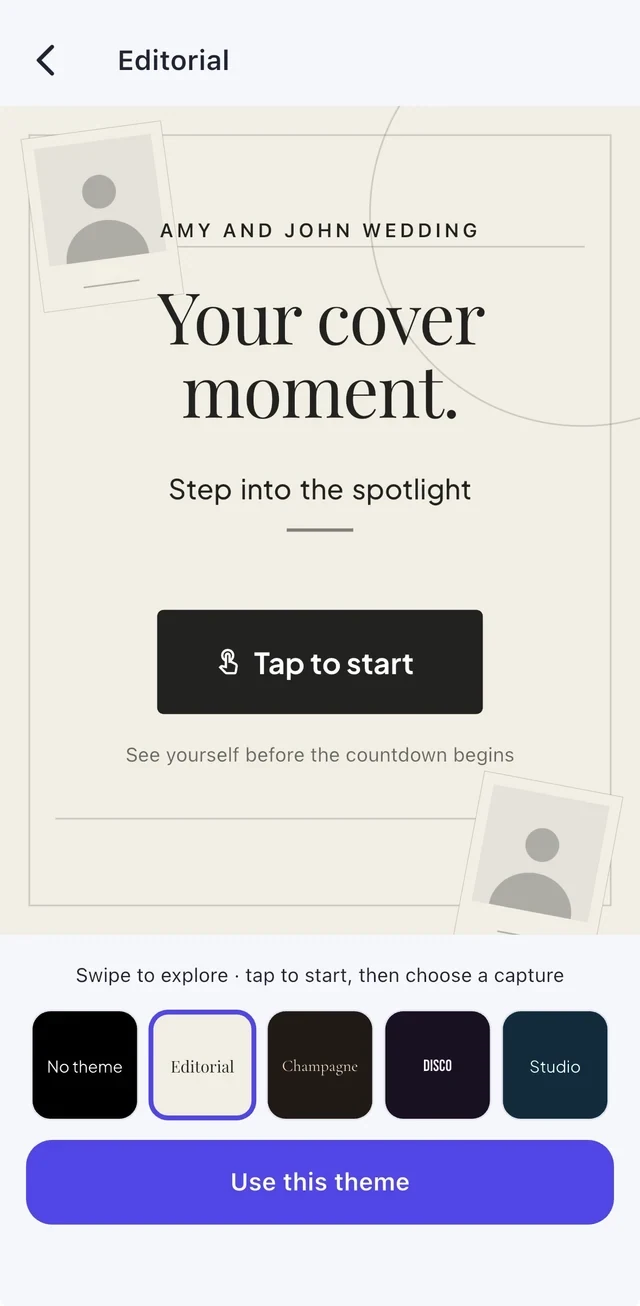
Open the booth theme choices during setup. Preview a theme, read the title and tap Use this theme. Pick something that remains readable in the lighting at your venue.
Design the keepsake separately
Open Your photo design to choose the actual photo layout and artwork. Changing the guest-facing booth theme does not automatically change the printed design.
Keep smoothing subtle
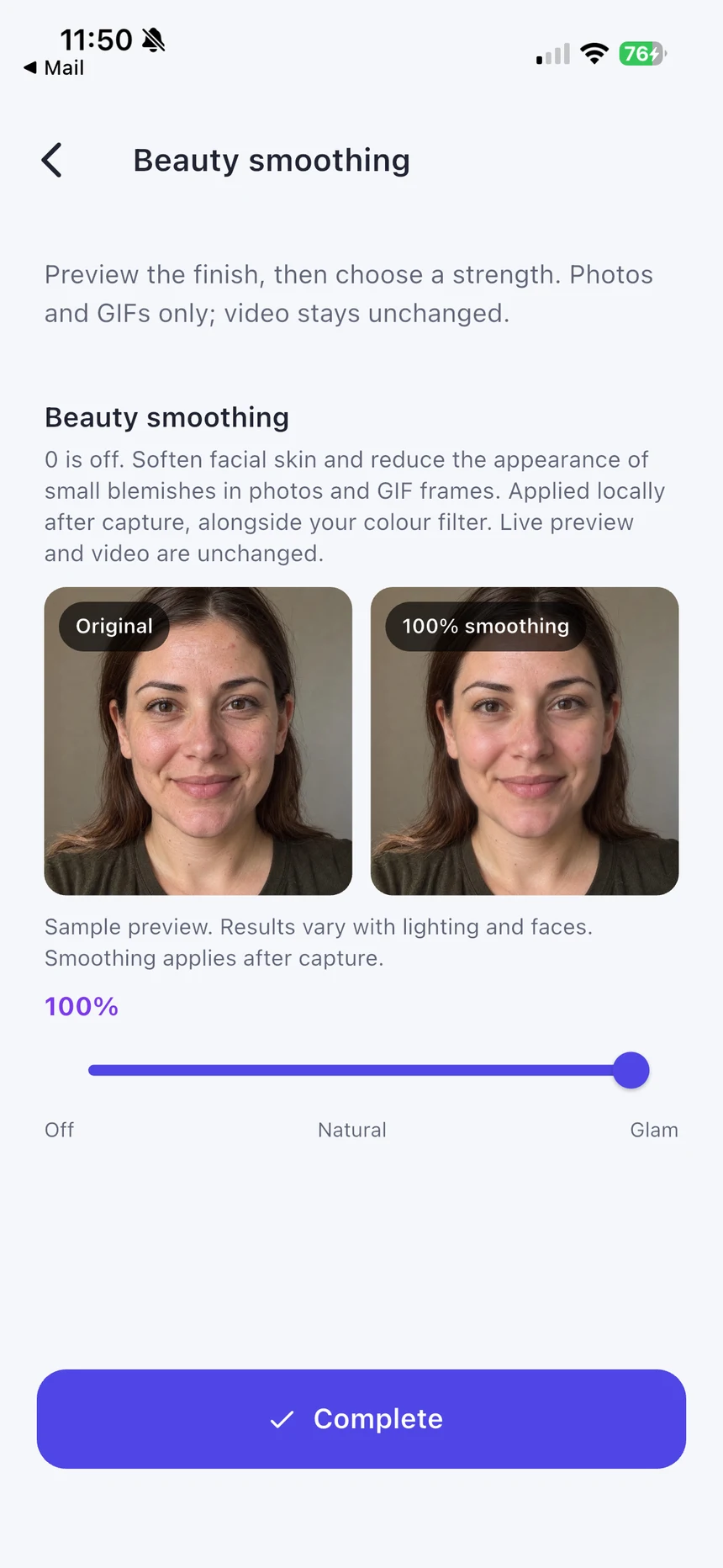
Open Beauty smoothing if you want it. Compare the preview and adjust the slider; a small amount is a good starting point. Take a real test photo because results vary with the light and camera.
Try a different background
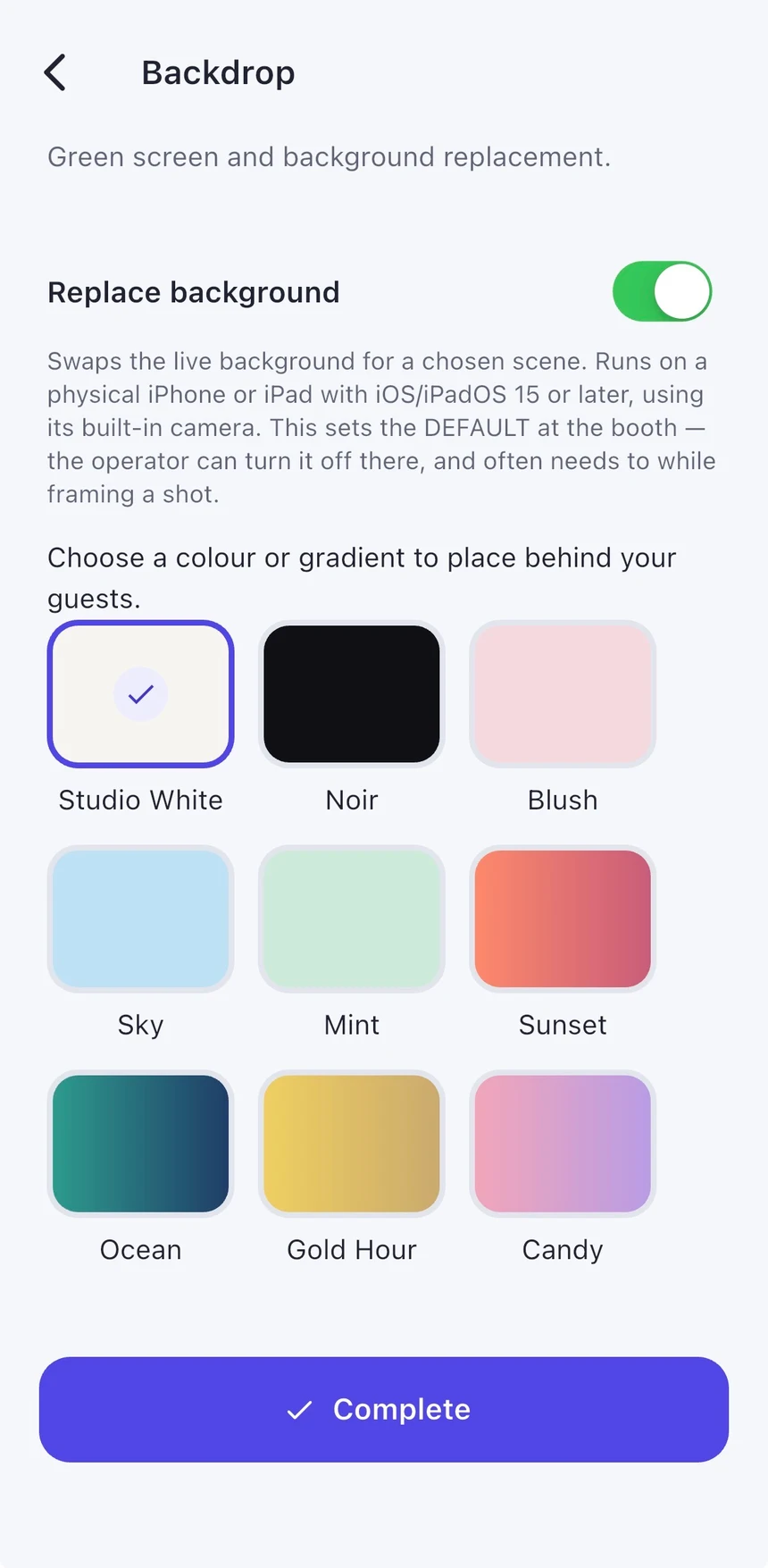
Open Backdrop to enable supported background replacement and choose a colour or gradient. Keep hair, props and clothing distinct from the real background. Check a real capture for edges before the event.
Real app screens with numbered highlights. Tap Enlarge to inspect a screen. Example content; labels can vary by app version.
Helpful to know.
Preview is not a purchase
Free users can explore locked features. A Premium badge indicates that access is needed before applying the option.
Digital replacement still needs good light
A tidy physical backdrop and even lighting generally make hair and prop edges easier to separate.