 createbooth
A stable stand, a clear background and optional soft fill or a ring light.
Face the light
Place the booth so light falls onto guests’ faces, not from behind them. Use a window or a diffused light as a starting point. Avoid harsh overhead lighting and coloured dance-floor light as your only light source.
Adjust a ring light gently
Position it around or close to the camera and start at low brightness. Check glasses for reflections and avoid asking guests to stare into an uncomfortable light. Review a test photo rather than judging brightness only by eye.

Move closer for expressions
Start with upper-body framing, then move the stand or guest marker to fit your usual group. Distance depends on the lens, orientation and number of people; there is no one correct measurement. Make room for taller guests and groups without cutting off heads.

Simplify the background
A plain curtain or uncluttered wall keeps attention on faces. Leave enough space that guests do not cast a hard shadow directly behind them. Background replacement is an option on supported devices, but good physical lighting still helps.

Check the finished image
Take test photos with one person and a group, then check the saved result and a print if enabled. Try subtle beauty smoothing if desired. Keep camera and screen clean and recheck after the room lighting changes.
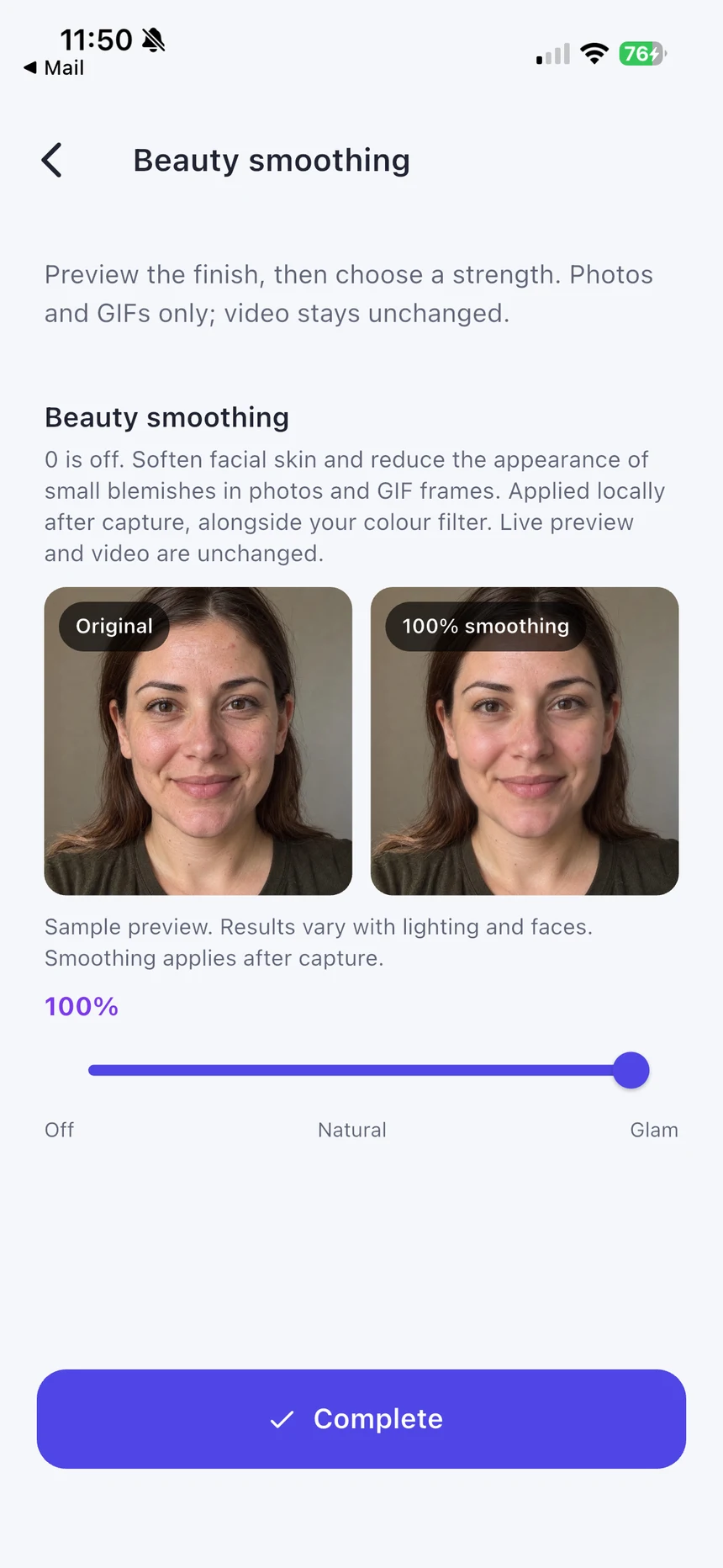
Real app screens with numbered highlights. Tap Enlarge to inspect a screen. Example content; labels can vary by app version.
Helpful to know.
Open or enclosed?
An open booth is easy to spot and join. A curtained space can feel more private but needs good light and ventilation. Neither is automatically better for every event.