 createbooth
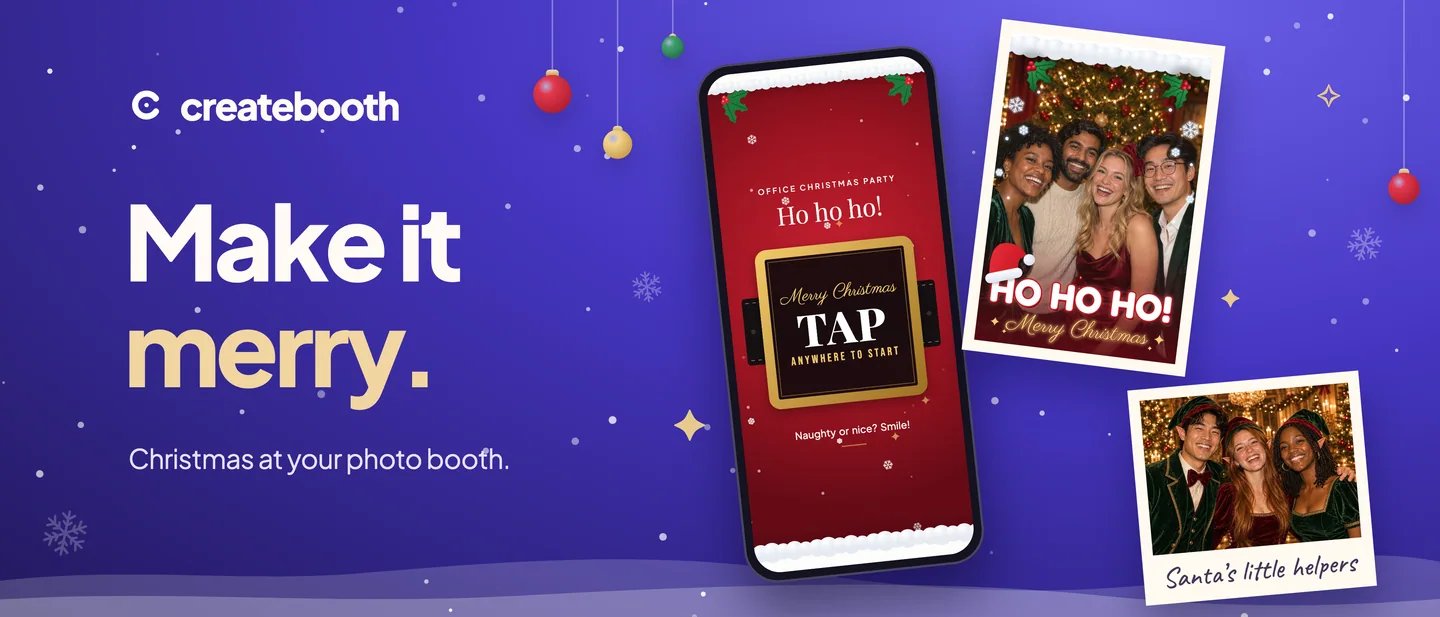
Office parties, family get-togethers, a Christmas Eve with friends: CreateBooth 2.2 brings the season to your booth. New festive themes, prints and photo overlays, ten new AI looks and a smoother setup, all in one free update.
Update from the App Store, open an event and you’ll find everything below ready to use. Nothing to download separately.
Three Christmas booth themes.
The welcome screen is the first thing guests see, so it should feel like the party. Choose from three new animated themes, each with its own gentle motion:
- Snowfall: a starry winter night with falling snow and a little snowman.
- Elf Workshop: candy-cane trim, twinkling lights and a stack of wrapped presents.
- Santa: Santa’s red suit, a gold belt buckle and a snowy trim.
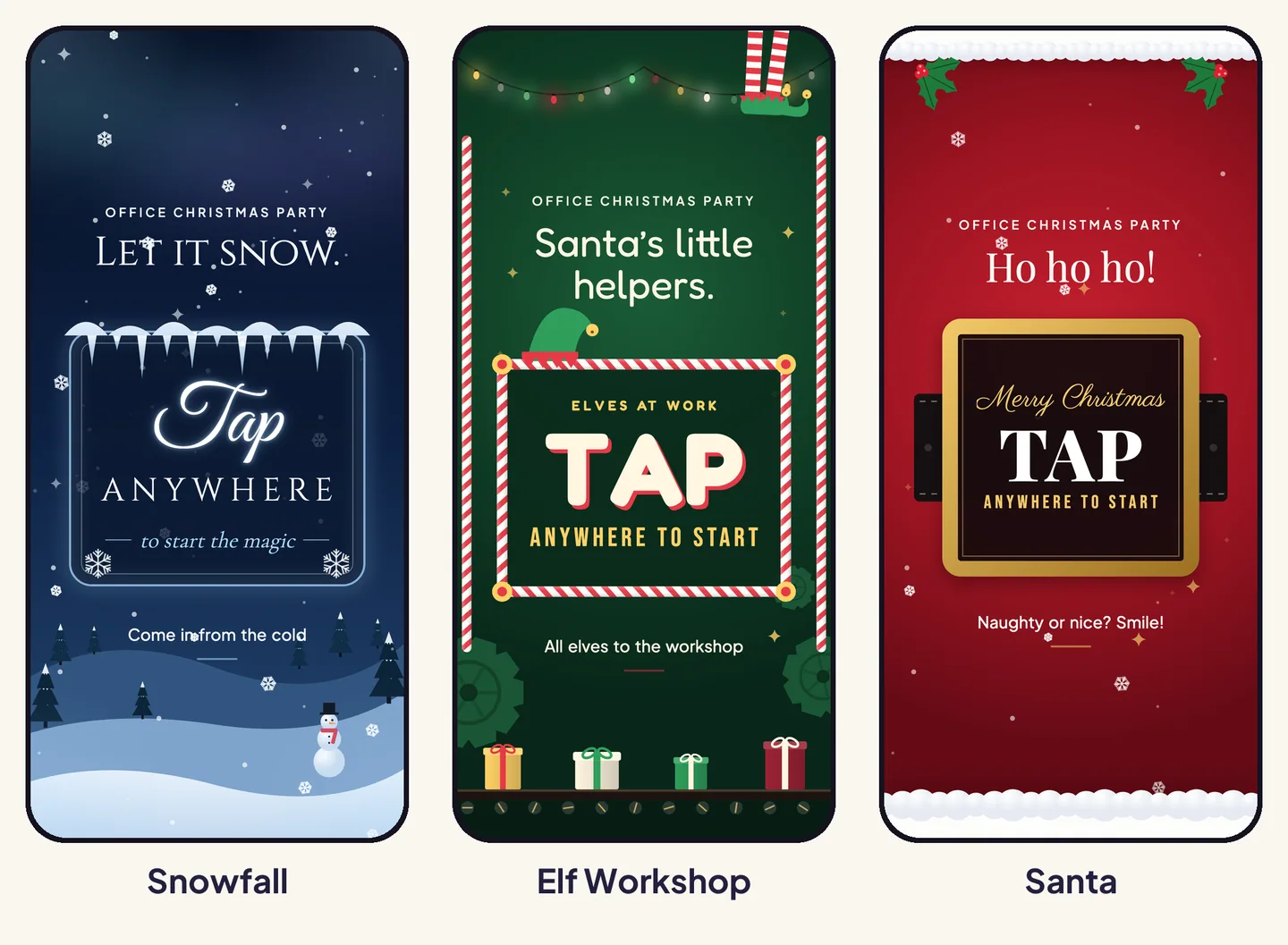
Each theme has matching print designs too: Winter Wonderland, Elf Workshop and Santa’s Suit. Pair one with your event title for a keepsake that looks like it belongs to the night.
Four festive photo overlays.
Want something simpler than a full print layout? Full-photo overlays sit right on top of every capture, framed so faces stay clear in the middle.
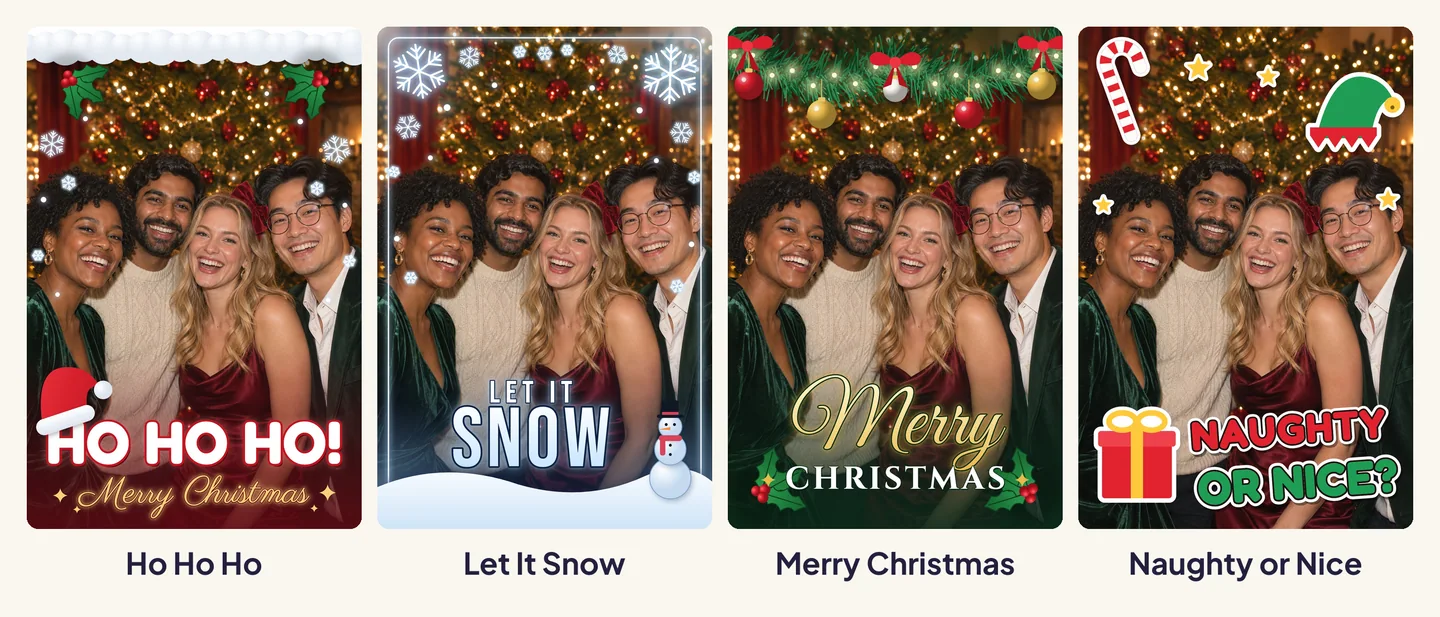
Choose Ho Ho Ho for a bold one, Let It Snow for a frosty frame, Merry Christmas for a classic garland, or Naughty or Nice to get guests talking. When you pick an overlay in setup, it’s now clearly outlined and named, so you always know which one you chose.
Ten new AI looks, seventeen in total.
For hosts who use AI Booth, there are ten new looks to offer guests. Leading the way for December is Santa’s little helpers, which turns your group into elves at a glamorous Christmas party.
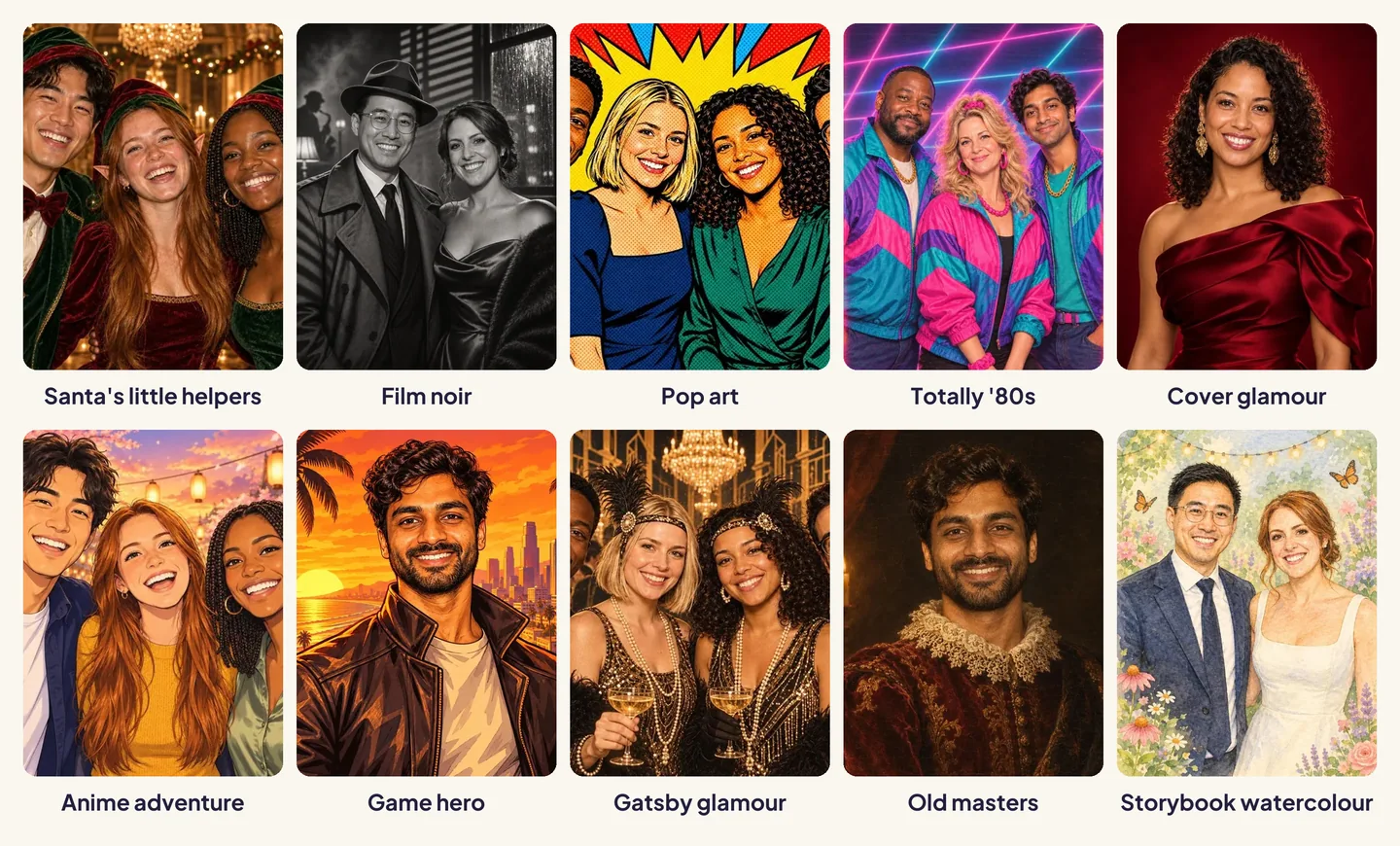
The others are Film noir, Pop art, Totally ’80s, Cover glamour, Anime adventure, Game hero, Gatsby glamour, Old masters and Storybook watercolour. AI Booth now uses GPT Image 2.6, and every example in the app has been refreshed to match what guests will get.
Setting a budget is easier too. A simple slider shows the estimated credit cost of your event before you begin, and Prompt Studio has two new sample photos to test your own ideas on, including a square portrait.
AI Booth is optional. It needs an internet connection, Premium or an Event Pass, and AI credits. Results and wait times vary, and AI can change faces and other details. AI credits are on sale until 14 December. See the sale prices.
A smoother setup, and a nudge afterwards.
- See your theme at a glance while you set up an event.
- Preview the guestbook before you switch it on.
- Live event galleries are now recommended for Premium events, so guests can find their photos during the party.
- After the party, Home invites you to review and publish your gallery once the event ends.
Getting started is clearer too. Sign in with Apple or create an account straight from the welcome screen, or carry on as a guest with one tap. If you started as a guest, Home will gently remind you when passes, credits or events are waiting to be moved into your account.
Fixes.
Photo strips no longer occasionally leave one photo slot blank. Thank you to the hosts who reported it. There are also general reliability and performance improvements throughout.
Make it merry.
Update CreateBooth, pick a Christmas theme and let the posing begin.
Get CreateBooth ↗Plan your DIY booth →Christmas themes, prints and overlays are available in events with Premium or an Event Pass. Free events include 20 captures with a watermark. The app shows current prices before you buy.