 createbooth
The booth is only the beginning. CreateBooth 2.0 brings a new look, more creative ways to capture your people, and more ways to keep the moments that happen around the photo.
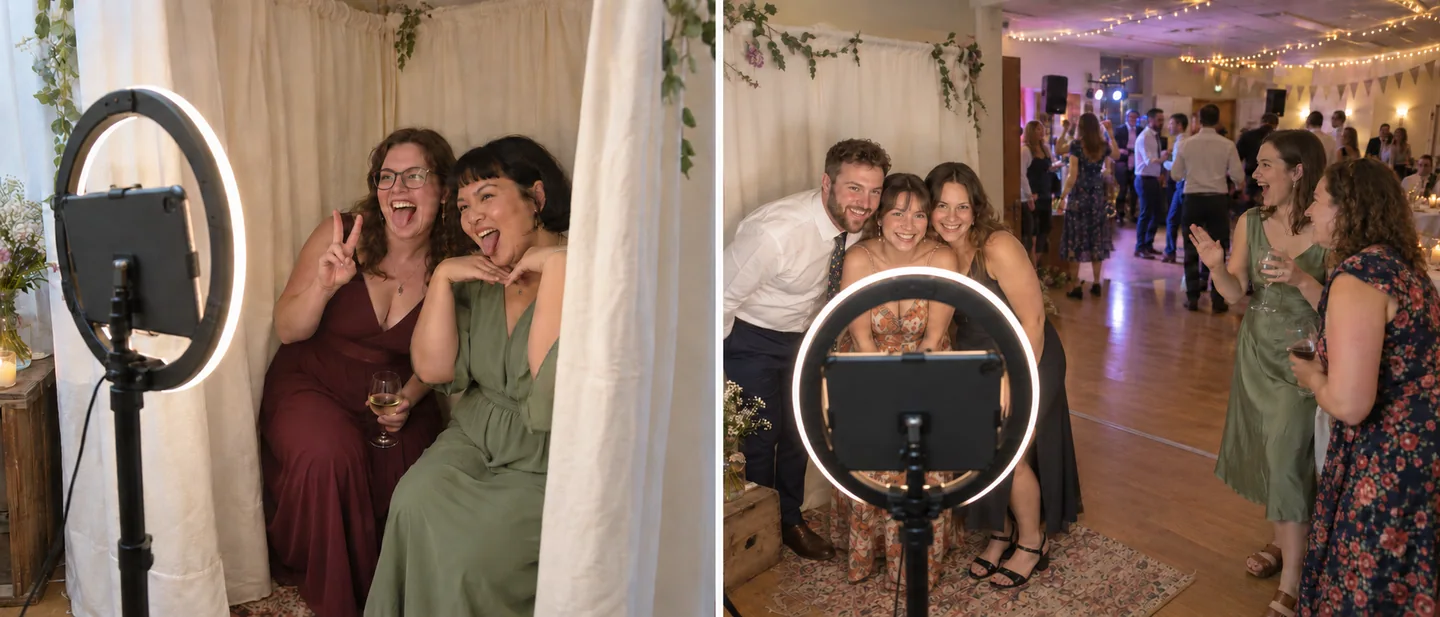
Turn the iPhone or iPad you already own into a booth for a wedding, birthday or just-because gathering. This update brings together designer keepsakes, AI transformations, a private guestbook and an event gallery in a redesigned experience.
A new look, from hello to the last photo.
Meet the new indigo CreateBooth identity, clearer event setup and a more welcoming first visit. Explore a sample booth before making an account, then find your events and galleries on the dashboard.
Guest screens have been refined for iPhone and iPad, with more room for previews, clearer actions and easier ways to take a memory home. The website has had a makeover too, including sample galleries and a guestbook you can explore without signing in.
A booth that belongs at your party.
Give guests a welcome screen that feels like your occasion. Choose a booth theme, then pair it with a photo design: romantic florals, playful birthdays, a little disco or something altogether your own.
The title library adds ready-made font pairings, curved headlines and coordinated names, dates and venue details. Edit the words and position them on your design. Templates, title designs and your guest photo come together in a keepsake worth saving—or printing.
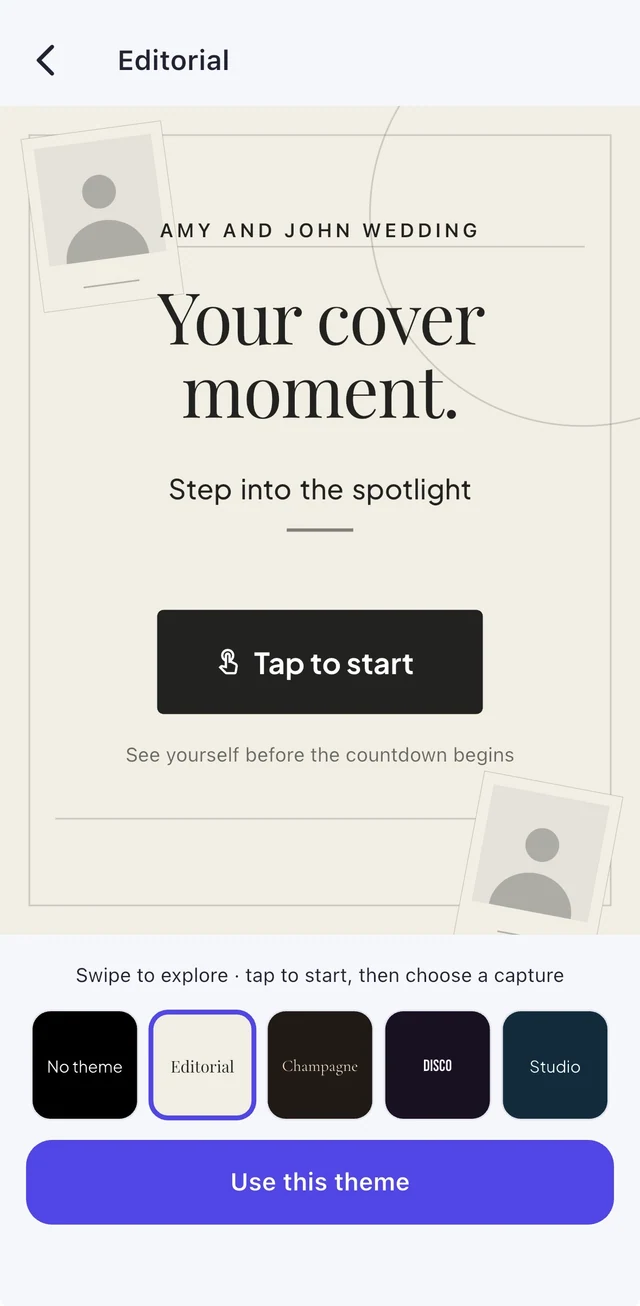
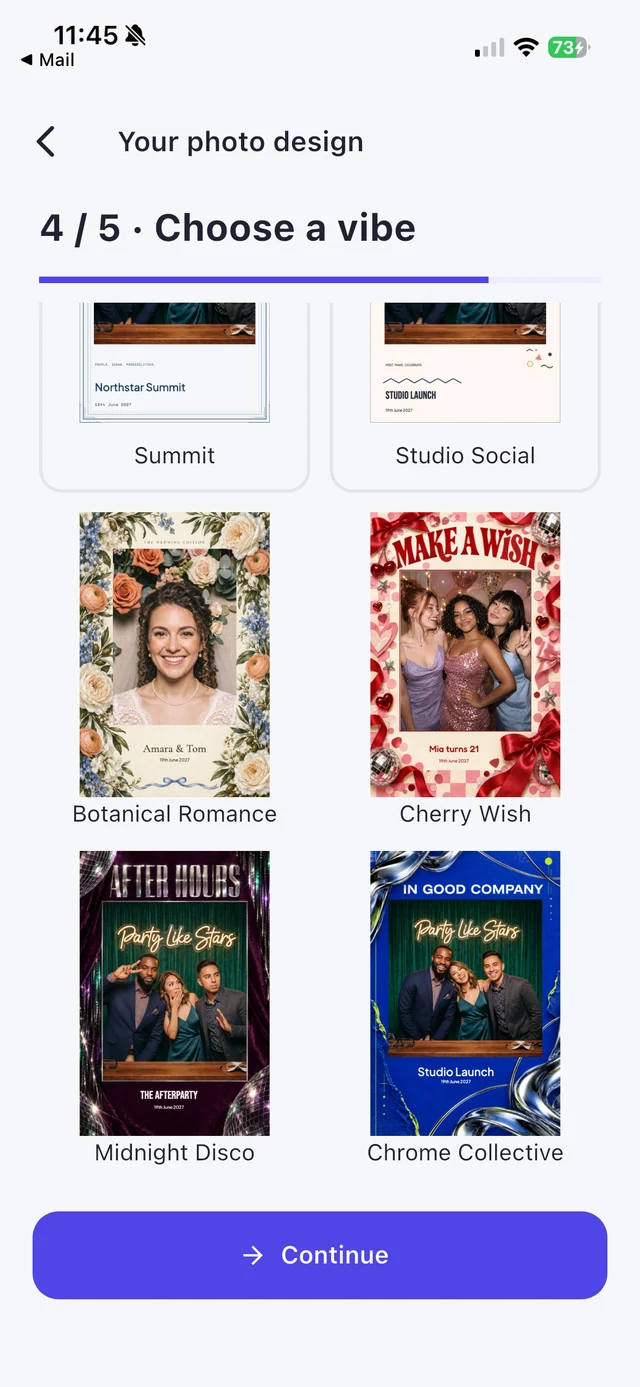
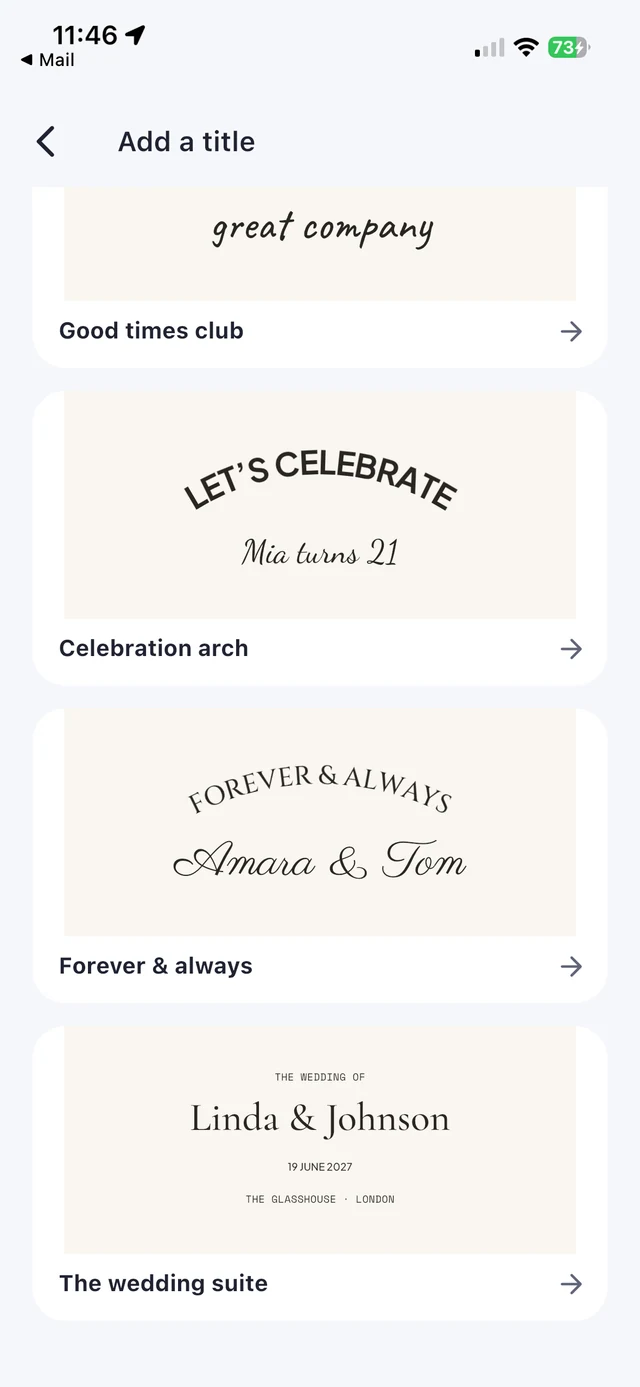
CreateBooth app screens with sample event details and demonstration photos.
Your people. A whole new AI look.
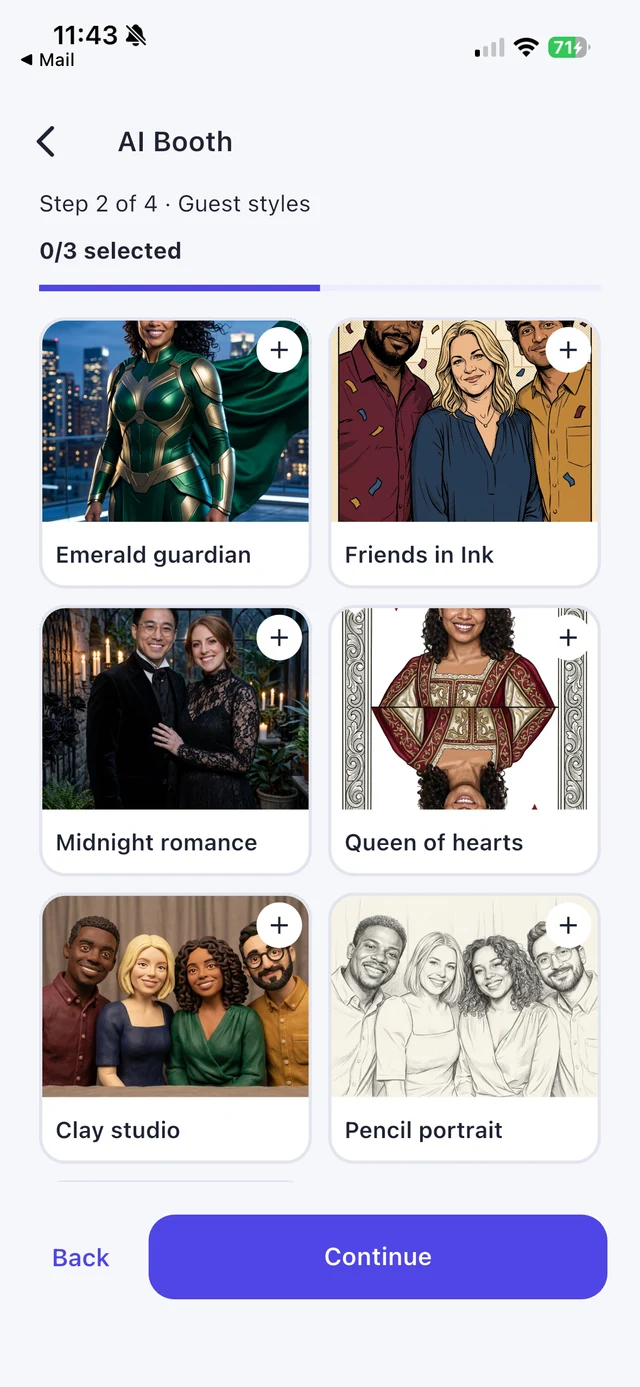
Turn a booth photo into an illustrated cast, a playful character or another creative world. Choose from built-in AI styles, or write and test an idea in AI transformation studio. Offer up to three selected looks at an event.
Guests choose a look, take their photo and review it before generation starts. A retake at this stage does not use AI credits. The original and transformed image can be kept together, so the real moment is part of the memory too.
Creative freedom, with a clear choice.
Compare available models and example images in the app. Check the credit cost before generating, and use the QR or email sharing options when the photo is ready.
AI requires internet, Premium or an Event Pass, and AI credits. Outputs and wait times vary; AI can change faces and other details. Read the processing disclosure before using it.
Explore AI Booth →A guestbook with a little more personality.
A few words from your best friend. A photo covered in doodles. A voice you will love hearing again. Collect written messages, signed photos, audio and video in a private guestbook for the hosts.
Guests can review their message before sending it. Afterwards, turn the pages online and download your keepsake. It is a different experience from the guest gallery: one is for sharing the photos, the other is for keeping the personal messages.
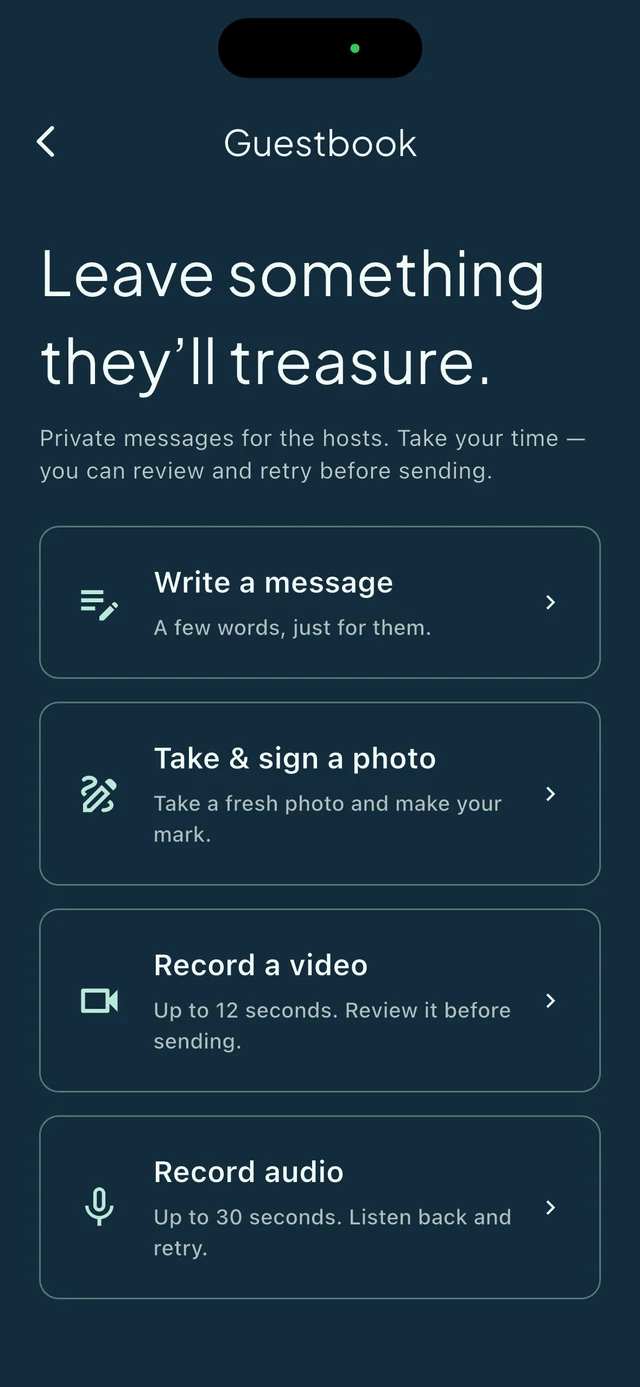
Try turning a page.
Our sample guestbook shows how those little contributions come together after the event.
Open the sample guestbook ↗Share as it happens. Or publish when you’re ready.
Give your event its own web gallery. Share during the celebration, or review the photos and publish afterwards. Choose the gallery’s colours and layout in the app, then share its link with your guests.
QR codes, email links and AirDrop give guests convenient ways to keep their own captures. GIFs, boomerangs, video and AI moments can sit alongside the classic photos.
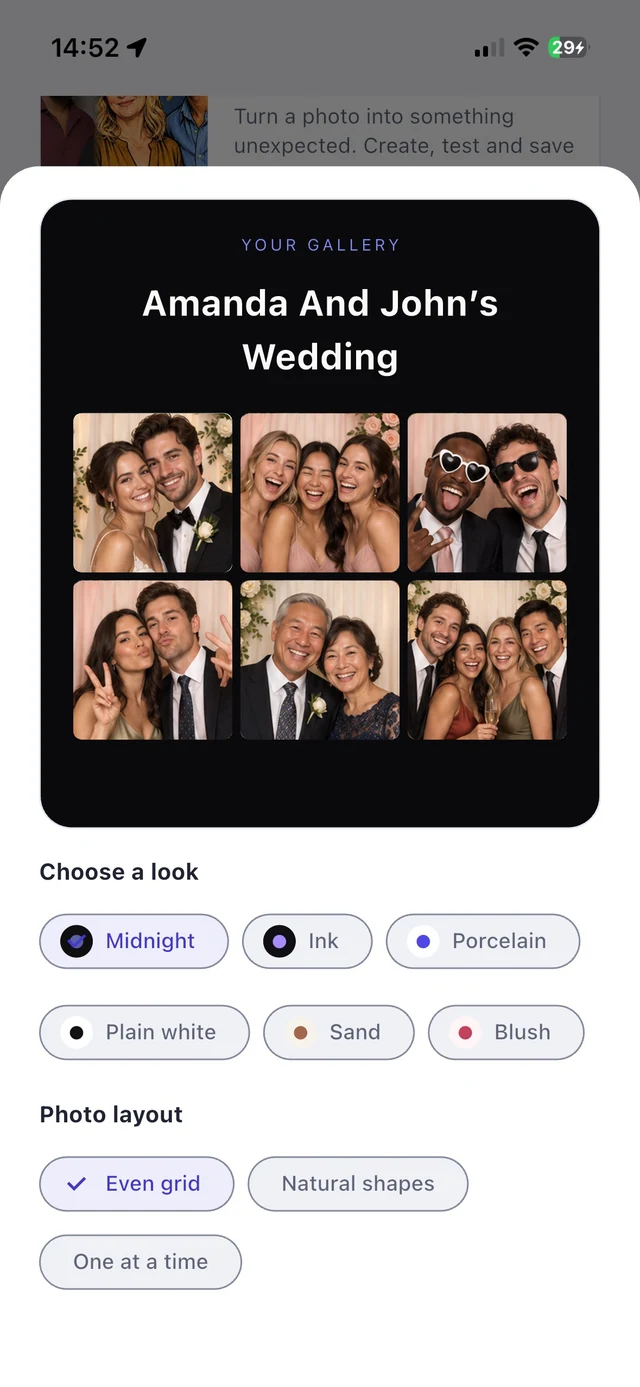
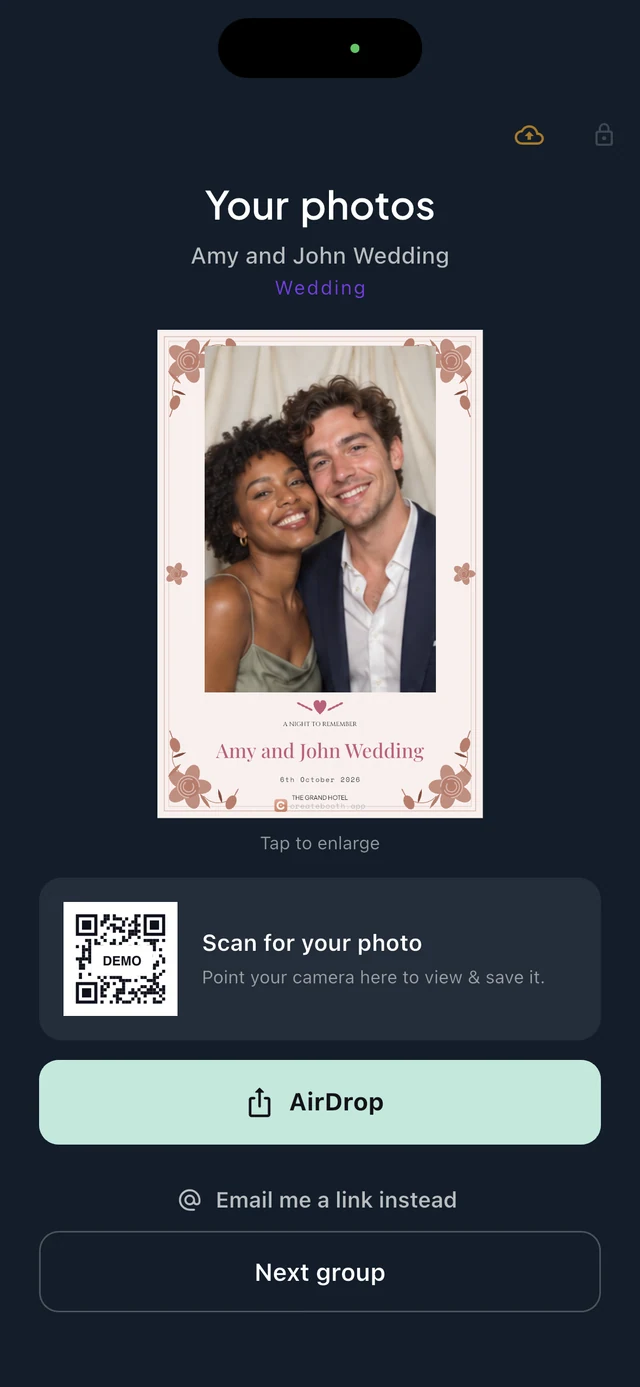
App screenshots use demonstration photos and a sample QR code.
Good light. A little polish. A print to take home.
Beauty smoothing lets you choose a subtle finishing touch. Background replacement offers another way to change the scene. Start with good light and a clear photo, then choose the effects that suit your event.
Prefer something guests can hold? CreateBooth supports printing with compatible equipment. Test the printer, paper size and finished design before the party. And there is still plenty of movement to capture: photos, GIFs, boomerangs and video give guests different ways to join in.
Start small. Make it your own.
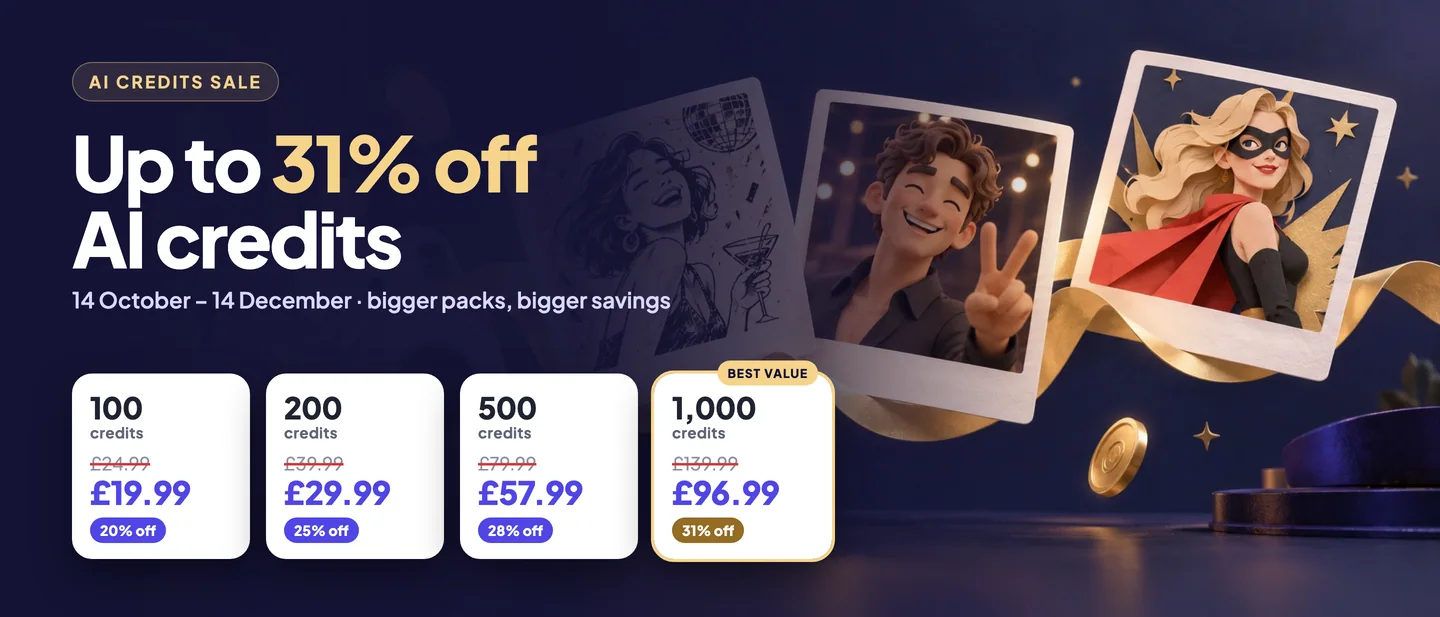
Use your own device and choose the setup that fits your budget. Try a free event with 20 captures, choose an Event Pass for one occasion, or choose Premium for ongoing access while subscribed. The app shows current local prices and terms before you buy.
AI credits are separate from feature access. Buying credits alone does not unlock a premium event. The upcoming business dashboard is still separate from this app release—we will share more as it gets closer.
Your next party starts here.
Update CreateBooth, try a booth and make something worth keeping.
Get CreateBooth ↗Plan your DIY booth →